

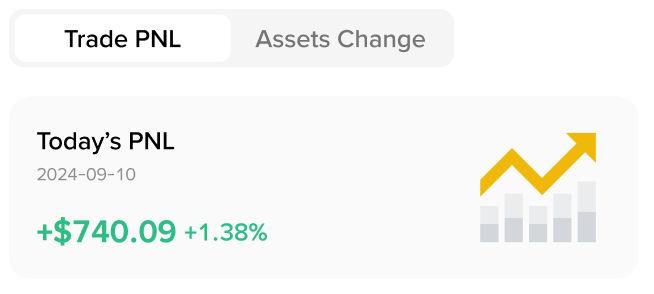
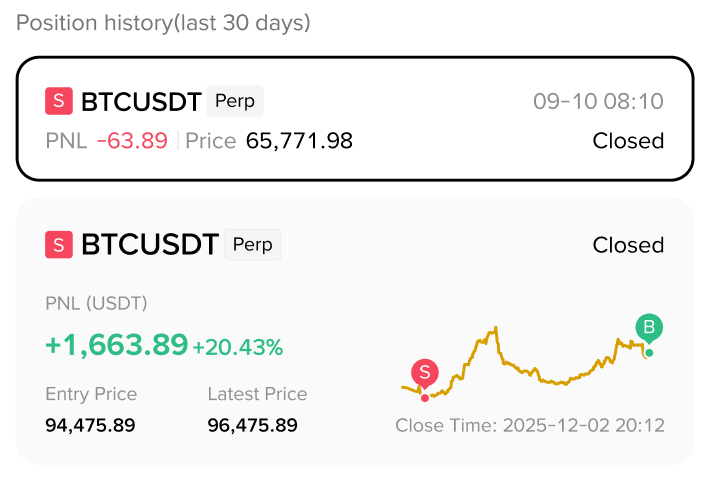
To support authentic trade sharing on Binance Square, the “Hide PNL” option has been removed. Real PNL will now be shown by default, helping readers evaluate trades more accurately and supporting a healthier content ecosystem.
Affected Trade-sharing Widgets
Trade PNL
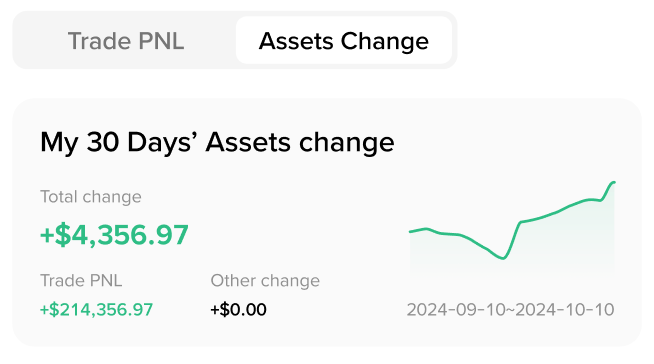
Assets Change
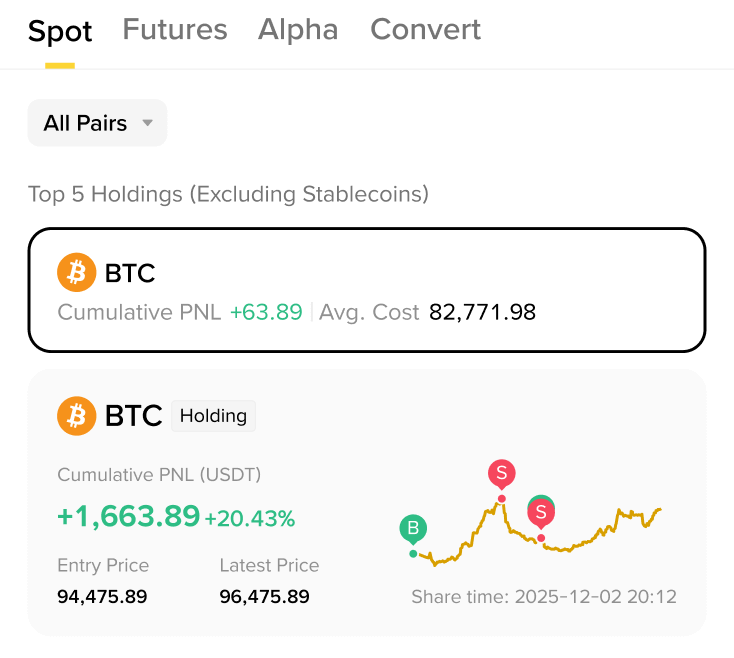
Spot Holdings
Futures Holdings
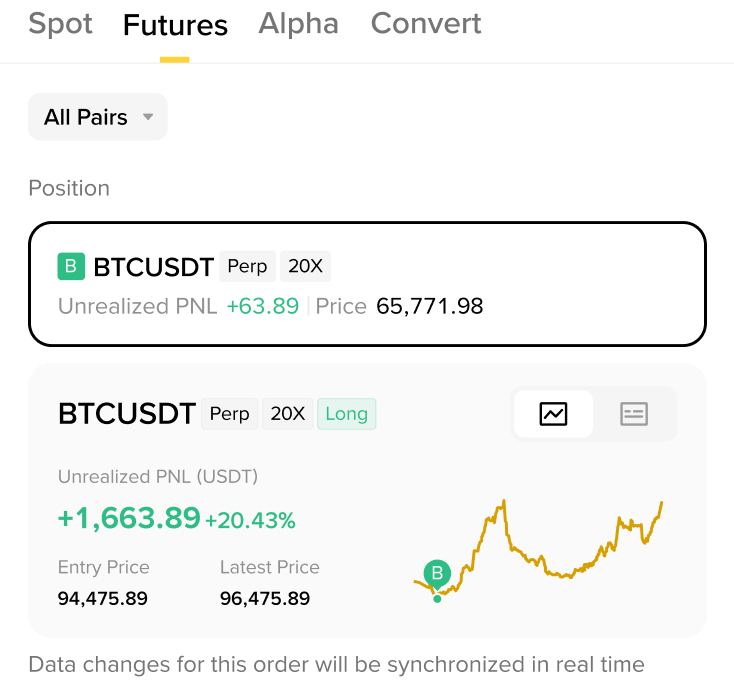
Futures Holdings
Additional Update: Asset Changes with Privacy Protection
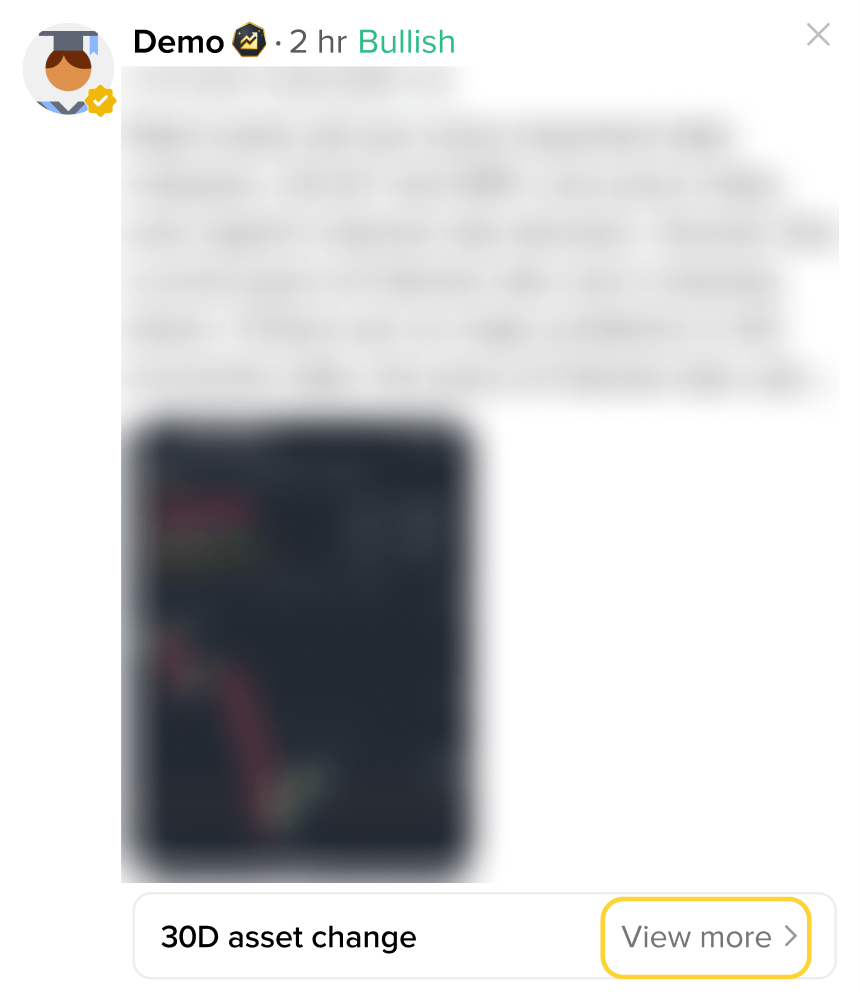
For asset change shares, specific amounts are not shown in the Feed. Tap "View more" to see asset changes, PNL for the same period, and the difference between the two.
FAQ
Which sharing components are affected?
This update applies to five sharing components on Binance Square: Trade PNL, Assets Change, Spot Holdings, Futures Holdings, and Futures Position History.
Why was "Hide PNL" removed?
This change is designed to improve content authenticity. Selective display and misleading screenshots undermine trust in the community. By showing real PnL, readers can better judge the value of what they're reading — and honest creators get a fairer shot at being seen.
Does the posting process change?
No. You can still pick a sharing component, write your content, preview, and publish — just like before. The only difference: the "Hide PNL" toggle is no longer available in the editor.
Will asset changes reveal my total assets?
No. Asset change cards in the Feed do not show specific amounts. Tap "View more" to see asset changes, PNL for the same period, and the difference between them.
Will my previously hidden PNL posts be changed?
No. Posts published before this update will remain in their original state. This upgrade only affects new posts going forward.