
#binancep2p
binancep2p
5.9M views
3,779 Discussing
Hot
Latest

·
--
Article
P2P order book: USDT demand nearly quadruples supply; real spread 0.1% Live P2P Radar Capture: 22/9/2026, 4:00:09 p. m.
USDT/VES reference Bs. 968.68
Buy USDT Bs. 968.68
USDT Sale Bs. 943.47
BCV Bs. 852.42
Premium vs BCV 13.64%
P2P Spread 2.67%
Observed offers 218
Check current data on P2P Radar
Caracas, September 22, 2026. The USDT/VES P2P order book closed the session with a contradiction that is worth understanding before moving money: the market publishes an aggregated spread of 2.67% between buy and sell, while the book’s tradable end is at 964 / 963 bolívares, only a 0.1% difference. The headline number and the executable number are not the same.
P2P order book: USDT demand nearly quadruples supply; real spread 0.1%
Live P2P Radar Capture: 22/9/2026, 4:00:09 p. m.
USDT/VES reference Bs. 968.68
Buy USDT Bs. 968.68
USDT Sale Bs. 943.47
BCV Bs. 852.42
Premium vs BCV 13.64%
P2P Spread 2.67%
Observed offers 218
Check current data on P2P Radar
Caracas, September 22, 2026. The USDT/VES P2P order book closed the session with a contradiction that is worth understanding before moving money: the market publishes an aggregated spread of 2.67% between buy and sell, while the book’s tradable end is at 964 / 963 bolívares, only a 0.1% difference. The headline number and the executable number are not the same.
USDT/VES reference Bs. 968.68
Buy USDT Bs. 968.68
USDT Sale Bs. 943.47
BCV Bs. 852.42
Premium vs BCV 13.64%
P2P Spread 2.67%
Observed offers 218
Check current data on P2P Radar
Caracas, September 22, 2026. The USDT/VES P2P order book closed the session with a contradiction that is worth understanding before moving money: the market publishes an aggregated spread of 2.67% between buy and sell, while the book’s tradable end is at 964 / 963 bolívares, only a 0.1% difference. The headline number and the executable number are not the same.
13
·
--
Article
234 P2P offers are not the same as real liquidityTuesday, September 22, and Binance P2P wakes up with 234 active offers. Sounds like a crowded market, right? Well... the number of ads is NOT the same as real liquidity. 🐶
Today's outlook:
• Buy $USDT: Bs. 966,64
• Sell $USDT: Bs. 923,41
• Spread: Bs. 43,24 (4,68%)
• BCV: Bs. 852,42 → prime P2P of 13,40%
Now the detail that almost nobody checks: within Binance, the buy and sell move between Bs. 959,02 and Bs. 956,01. An extremely tight range. What does that mean? That real depth is concentrated among a few large advertisers, and that those 234 offers are not all at the same level in terms of amount or credibility. There is a lot of listing that only takes up space on the list.
234 P2P offers are not the same as real liquidity
Tuesday, September 22, and Binance P2P wakes up with 234 active offers. Sounds like a crowded market, right? Well... the number of ads is NOT the same as real liquidity. 🐶
Today's outlook:
• Buy $USDT: Bs. 966,64
• Sell $USDT: Bs. 923,41
• Spread: Bs. 43,24 (4,68%)
• BCV: Bs. 852,42 → prime P2P of 13,40%
Now the detail that almost nobody checks: within Binance, the buy and sell move between Bs. 959,02 and Bs. 956,01. An extremely tight range. What does that mean? That real depth is concentrated among a few large advertisers, and that those 234 offers are not all at the same level in terms of amount or credibility. There is a lot of listing that only takes up space on the list.
Today's outlook:
• Buy $USDT: Bs. 966,64
• Sell $USDT: Bs. 923,41
• Spread: Bs. 43,24 (4,68%)
• BCV: Bs. 852,42 → prime P2P of 13,40%
Now the detail that almost nobody checks: within Binance, the buy and sell move between Bs. 959,02 and Bs. 956,01. An extremely tight range. What does that mean? That real depth is concentrated among a few large advertisers, and that those 234 offers are not all at the same level in terms of amount or credibility. There is a lot of listing that only takes up space on the list.
21
·
--
🔎 Spread alert: $USDT opens in Bs. 967.38 (buy) and Bs. 944.68 (sell). Difference of Bs. 22.70, a 2.40% spread between quotes.
The premium versus the BCV (Bs. 852.42) remains at 13.49%, with 215 active offers on Binance P2P.
Translation: there’s liquidity, but the one who enters in a hurry pays a high price. Check your rate before confirming and don’t send the amount without verifying the receiving bank.
📊 Live rates and analysis at https://pitbullchain.com
$USDT #BinanceP2P #USDT #Venezuela #BinanceSquare #PitbullChain
🔎 Spread alert: $USDT opens in Bs. 967.38 (buy) and Bs. 944.68 (sell). Difference of Bs. 22.70, a 2.40% spread between quotes.
The premium versus the BCV (Bs. 852.42) remains at 13.49%, with 215 active offers on Binance P2P.
Translation: there’s liquidity, but the one who enters in a hurry pays a high price. Check your rate before confirming and don’t send the amount without verifying the receiving bank.
📊 Live rates and analysis at https://pitbullchain.com
$USDT #BinanceP2P #USDT #Venezuela #BinanceSquare #PitbullChain
The premium versus the BCV (Bs. 852.42) remains at 13.49%, with 215 active offers on Binance P2P.
Translation: there’s liquidity, but the one who enters in a hurry pays a high price. Check your rate before confirming and don’t send the amount without verifying the receiving bank.
📊 Live rates and analysis at https://pitbullchain.com
$USDT #BinanceP2P #USDT #Venezuela #BinanceSquare #PitbullChain
30
·
--
Article
USDT on Binance P2P: wide spread and 23% premium vs BCV Live P2P Radar Capture: 26/8/2026, 10:30:13 a. m.
USDT/VES reference Bs. 970.86
Buy USDT Bs. 970.86
USDT in USDT Bs. 913.48
BCV Bs. 787.52
Premium vs BCV 23.28%
P2P spread 6.28%
Observed offers 238
Verify current data in Radar P2P
Caracas, August 26, 2026. The Venezuelan P2P market opens with mixed signals: USDT is being quoted on Binance P2P with a wide spread and a premium of 23.28% versus the official dollar. According to the data captured at 14:30 UTC by Radar P2P, the buy price (who sells USDT) is 970.86 Bs/USDT, while the sell price (who buys USDT) is 913.48 Bs/USDT. This results in a spread of 57.38 Bs, equivalent to 6.28%.
USDT on Binance P2P: wide spread and 23% premium vs BCV
Live P2P Radar Capture: 26/8/2026, 10:30:13 a. m.
USDT/VES reference Bs. 970.86
Buy USDT Bs. 970.86
USDT in USDT Bs. 913.48
BCV Bs. 787.52
Premium vs BCV 23.28%
P2P spread 6.28%
Observed offers 238
Verify current data in Radar P2P
Caracas, August 26, 2026. The Venezuelan P2P market opens with mixed signals: USDT is being quoted on Binance P2P with a wide spread and a premium of 23.28% versus the official dollar. According to the data captured at 14:30 UTC by Radar P2P, the buy price (who sells USDT) is 970.86 Bs/USDT, while the sell price (who buys USDT) is 913.48 Bs/USDT. This results in a spread of 57.38 Bs, equivalent to 6.28%.
USDT/VES reference Bs. 970.86
Buy USDT Bs. 970.86
USDT in USDT Bs. 913.48
BCV Bs. 787.52
Premium vs BCV 23.28%
P2P spread 6.28%
Observed offers 238
Verify current data in Radar P2P
Caracas, August 26, 2026. The Venezuelan P2P market opens with mixed signals: USDT is being quoted on Binance P2P with a wide spread and a premium of 23.28% versus the official dollar. According to the data captured at 14:30 UTC by Radar P2P, the buy price (who sells USDT) is 970.86 Bs/USDT, while the sell price (who buys USDT) is 913.48 Bs/USDT. This results in a spread of 57.38 Bs, equivalent to 6.28%.
13
·
--
Article
Gap of 3.42% between Binance and other platforms: what changes in Venezuelan P2P Live P2P Radar Capture: 22/9/2026, 2:00:13 a. m.
USDT/VES reference Bs. 968.89
Buy USDT Bs. 968.89
USDT purchase Bs. 927.56
BCV Bs. 852.42
Premium vs BCV 13.66%
P2P spread 4.46%
Observed offers 97
Verify current data on P2P Radar
Caracas, September 22, 2026, 06:00. The Venezuelan USDT P2P opened the session with a measurable gap between platforms: Binance showed 952.13 Bs per USDT and other platforms 984.69 Bs. The difference is 32.56 bolívares, 3.42%, according to the differences module between exchanges on the P2P radar, captured at 06:00:05 UTC. The same dashboard keeps the traffic light on yellow, with 69 points out of 100 and the label moderate caution.
Gap of 3.42% between Binance and other platforms: what changes in Venezuelan P2P
Live P2P Radar Capture: 22/9/2026, 2:00:13 a. m.
USDT/VES reference Bs. 968.89
Buy USDT Bs. 968.89
USDT purchase Bs. 927.56
BCV Bs. 852.42
Premium vs BCV 13.66%
P2P spread 4.46%
Observed offers 97
Verify current data on P2P Radar
Caracas, September 22, 2026, 06:00. The Venezuelan USDT P2P opened the session with a measurable gap between platforms: Binance showed 952.13 Bs per USDT and other platforms 984.69 Bs. The difference is 32.56 bolívares, 3.42%, according to the differences module between exchanges on the P2P radar, captured at 06:00:05 UTC. The same dashboard keeps the traffic light on yellow, with 69 points out of 100 and the label moderate caution.
USDT/VES reference Bs. 968.89
Buy USDT Bs. 968.89
USDT purchase Bs. 927.56
BCV Bs. 852.42
Premium vs BCV 13.66%
P2P spread 4.46%
Observed offers 97
Verify current data on P2P Radar
Caracas, September 22, 2026, 06:00. The Venezuelan USDT P2P opened the session with a measurable gap between platforms: Binance showed 952.13 Bs per USDT and other platforms 984.69 Bs. The difference is 32.56 bolívares, 3.42%, according to the differences module between exchanges on the P2P radar, captured at 06:00:05 UTC. The same dashboard keeps the traffic light on yellow, with 69 points out of 100 and the label moderate caution.
37
·
--
🚨 The P2P spread opened up at Bs. 29,42 (3,15%) and the premium versus the BCV is now at 12,85%.
Buy $USDT: Bs. 961,99
Sell $USDT: Bs. 932,57
BCV: Bs. 852,42
With 223 active offers, today the market is more heavily loaded on the buy side: anyone who needs to enter pays a high price. My advice: check the seller’s reputation and the minimum amount before accepting, and don’t release payment without confirming the release.
📊 Live rates and analysis at https://pitbullchain.com
$USDT #BinanceP2P #USDT #Venezuela #Spread #P2P
🚨 The P2P spread opened up at Bs. 29,42 (3,15%) and the premium versus the BCV is now at 12,85%.
Buy $USDT: Bs. 961,99
Sell $USDT: Bs. 932,57
BCV: Bs. 852,42
With 223 active offers, today the market is more heavily loaded on the buy side: anyone who needs to enter pays a high price. My advice: check the seller’s reputation and the minimum amount before accepting, and don’t release payment without confirming the release.
📊 Live rates and analysis at https://pitbullchain.com
$USDT #BinanceP2P #USDT #Venezuela #Spread #P2P
Buy $USDT: Bs. 961,99
Sell $USDT: Bs. 932,57
BCV: Bs. 852,42
With 223 active offers, today the market is more heavily loaded on the buy side: anyone who needs to enter pays a high price. My advice: check the seller’s reputation and the minimum amount before accepting, and don’t release payment without confirming the release.
📊 Live rates and analysis at https://pitbullchain.com
$USDT #BinanceP2P #USDT #Venezuela #Spread #P2P
215
·
--
Article
Order book: USDT from Bs. 913.90 on other platforms and Bs. 954 on Binance Live P2P Radar Capture: 21/9/2026, 4:00:15 p. m.
USDT/VES reference Bs. 959.98
Buy USDT Bs. 959.98
USDT Sale Bs. 937.91
BCV Bs. 849.56
Premium vs BCV 13%
P2P Spread 2.35%
Observed offers 98
Check current data on P2P Radar
The headline that repeats this week is the comparison between P2P and BCV. This time we did something different: measure the price difference within the Venezuelan P2P market itself, using the order book captured on 21/09/2026 at 20:00 UTC.
The result is uncomfortable for the idea of a uniform market. The best USDT ask appeared at Bs. 913.90 (other platforms) and the best bid at Bs. 954.61 (Binance), which leaves an internal spread of Bs. 40.71, equivalent to 4.26%. The book’s average price was Bs. 934.25.
Order book: USDT from Bs. 913.90 on other platforms and Bs. 954 on Binance
Live P2P Radar Capture: 21/9/2026, 4:00:15 p. m.
USDT/VES reference Bs. 959.98
Buy USDT Bs. 959.98
USDT Sale Bs. 937.91
BCV Bs. 849.56
Premium vs BCV 13%
P2P Spread 2.35%
Observed offers 98
Check current data on P2P Radar
The headline that repeats this week is the comparison between P2P and BCV. This time we did something different: measure the price difference within the Venezuelan P2P market itself, using the order book captured on 21/09/2026 at 20:00 UTC.
The result is uncomfortable for the idea of a uniform market. The best USDT ask appeared at Bs. 913.90 (other platforms) and the best bid at Bs. 954.61 (Binance), which leaves an internal spread of Bs. 40.71, equivalent to 4.26%. The book’s average price was Bs. 934.25.
USDT/VES reference Bs. 959.98
Buy USDT Bs. 959.98
USDT Sale Bs. 937.91
BCV Bs. 849.56
Premium vs BCV 13%
P2P Spread 2.35%
Observed offers 98
Check current data on P2P Radar
The headline that repeats this week is the comparison between P2P and BCV. This time we did something different: measure the price difference within the Venezuelan P2P market itself, using the order book captured on 21/09/2026 at 20:00 UTC.
The result is uncomfortable for the idea of a uniform market. The best USDT ask appeared at Bs. 913.90 (other platforms) and the best bid at Bs. 954.61 (Binance), which leaves an internal spread of Bs. 40.71, equivalent to 4.26%. The book’s average price was Bs. 934.25.
5

·
--
🇨🇮 I use Binance P2P in Côte d'Ivoire and here is a situation that I noticed regarding payments…
⚠️ P2P sellers using Mobile Money: be vigilant about repeated cancellations.
A customer may buy USDT, then return a few minutes later to carry out another transaction. In some cases, I have observed successive payment cancellations.
Once your funds are temporarily secured in the safe, the customer may then return to sell you the USDT he had bought earlier.
This can lead you to carry out a new operation, which effectively moves your funds out of the safe while the earlier cancellations have not yet been resolved.
🚨 My advice to sellers: don’t rush.
Before accepting a new transaction with a customer who quickly chains orders, check:
✅ the history of his orders;
✅ the payments and cancellations in progress;
✅ the exact status of each transaction;
✅ that your money is actually available;
✅ and above all, don’t let the customer’s pressure make you act quickly.
In P2P, each order must be verified separately.
📌 This observation especially applies to transactions I encountered with Mobile Money in Côte d'Ivoire.
Have you ever encountered a similar situation?
#BinanceP2P #BinanceSquareTalks #USDT
🇨🇮 I use Binance P2P in Côte d'Ivoire and here is a situation that I noticed regarding payments…
⚠️ P2P sellers using Mobile Money: be vigilant about repeated cancellations.
A customer may buy USDT, then return a few minutes later to carry out another transaction. In some cases, I have observed successive payment cancellations.
Once your funds are temporarily secured in the safe, the customer may then return to sell you the USDT he had bought earlier.
This can lead you to carry out a new operation, which effectively moves your funds out of the safe while the earlier cancellations have not yet been resolved.
🚨 My advice to sellers: don’t rush.
Before accepting a new transaction with a customer who quickly chains orders, check:
✅ the history of his orders;
✅ the payments and cancellations in progress;
✅ the exact status of each transaction;
✅ that your money is actually available;
✅ and above all, don’t let the customer’s pressure make you act quickly.
In P2P, each order must be verified separately.
📌 This observation especially applies to transactions I encountered with Mobile Money in Côte d'Ivoire.
Have you ever encountered a similar situation?
#BinanceP2P #BinanceSquareTalks #USDT
⚠️ P2P sellers using Mobile Money: be vigilant about repeated cancellations.
A customer may buy USDT, then return a few minutes later to carry out another transaction. In some cases, I have observed successive payment cancellations.
Once your funds are temporarily secured in the safe, the customer may then return to sell you the USDT he had bought earlier.
This can lead you to carry out a new operation, which effectively moves your funds out of the safe while the earlier cancellations have not yet been resolved.
🚨 My advice to sellers: don’t rush.
Before accepting a new transaction with a customer who quickly chains orders, check:
✅ the history of his orders;
✅ the payments and cancellations in progress;
✅ the exact status of each transaction;
✅ that your money is actually available;
✅ and above all, don’t let the customer’s pressure make you act quickly.
In P2P, each order must be verified separately.
📌 This observation especially applies to transactions I encountered with Mobile Money in Côte d'Ivoire.
Have you ever encountered a similar situation?
#BinanceP2P #BinanceSquareTalks #USDT
124
·
--
Article
P2P Spread in Venezuela Reaches 5.39%: Banco de Venezuela vs Pago Móvil Live P2P Radar capture: 27/8/2026, 2:00:16 a. m.
USDT/VES reference Bs. 967.79
Buy USDT Bs. 967.79
USDT sale USDT Bs. 918.31
BCV Bs. 791.32
Premium vs BCV 22.3%
P2P spread 5.39%
Observed offers 209
Verify current data in P2P Radar
Binance’s P2P market for the USDT/VES pair opens with a spread of 5.39%, the highest in the past few weeks. P2P Radar data captured on August 27, 2026 at 06:00 UTC shows a buy price of 967.79 bolívares per USDT and a sell price of 918.31. The difference between the two is 49.48 bolívares, which corresponds to a premium of 22.3% versus the BCV dollar (791.32).
P2P Spread in Venezuela Reaches 5.39%: Banco de Venezuela vs Pago Móvil
Live P2P Radar capture: 27/8/2026, 2:00:16 a. m.
USDT/VES reference Bs. 967.79
Buy USDT Bs. 967.79
USDT sale USDT Bs. 918.31
BCV Bs. 791.32
Premium vs BCV 22.3%
P2P spread 5.39%
Observed offers 209
Verify current data in P2P Radar
Binance’s P2P market for the USDT/VES pair opens with a spread of 5.39%, the highest in the past few weeks. P2P Radar data captured on August 27, 2026 at 06:00 UTC shows a buy price of 967.79 bolívares per USDT and a sell price of 918.31. The difference between the two is 49.48 bolívares, which corresponds to a premium of 22.3% versus the BCV dollar (791.32).
USDT/VES reference Bs. 967.79
Buy USDT Bs. 967.79
USDT sale USDT Bs. 918.31
BCV Bs. 791.32
Premium vs BCV 22.3%
P2P spread 5.39%
Observed offers 209
Verify current data in P2P Radar
Binance’s P2P market for the USDT/VES pair opens with a spread of 5.39%, the highest in the past few weeks. P2P Radar data captured on August 27, 2026 at 06:00 UTC shows a buy price of 967.79 bolívares per USDT and a sell price of 918.31. The difference between the two is 49.48 bolívares, which corresponds to a premium of 22.3% versus the BCV dollar (791.32).
13

·
--
🇳🇮 How to use Binance in Nicaragua without getting into trouble?
Do you think putting in or taking out money from crypto is difficult from Nicaragua? Not at all! The key tool today is Binance’s P2P Marketplace.
Through P2P, you can buy and sell your cryptocurrencies (like USDT or Bitcoin) using local transfers in córdobas or dollars with the country’s banks:
🏦 BAC Credomatic
🏦 Banco LAFISE
🏦 Banpro
💡 Daily tips for Nicas:
Zero fees: Binance doesn’t charge you for using P2P trading.
Safety first: Always choose ATMs or verified merchants (those with the yellow check) and with a high percentage of completed orders.
Check the details: Make sure the name on your bank account matches exactly the name verified on Binance.
Are you already using P2P to switch to your local accounts? Tell me about your experience in the comments! 👇
#Nicaragua #BinanceP2P #CriptoNicaragua #Bitcoin
🇳🇮 How to use Binance in Nicaragua without getting into trouble?
Do you think putting in or taking out money from crypto is difficult from Nicaragua? Not at all! The key tool today is Binance’s P2P Marketplace.
Through P2P, you can buy and sell your cryptocurrencies (like USDT or Bitcoin) using local transfers in córdobas or dollars with the country’s banks:
🏦 BAC Credomatic
🏦 Banco LAFISE
🏦 Banpro
💡 Daily tips for Nicas:
Zero fees: Binance doesn’t charge you for using P2P trading.
Safety first: Always choose ATMs or verified merchants (those with the yellow check) and with a high percentage of completed orders.
Check the details: Make sure the name on your bank account matches exactly the name verified on Binance.
Are you already using P2P to switch to your local accounts? Tell me about your experience in the comments! 👇
#Nicaragua #BinanceP2P #CriptoNicaragua #Bitcoin
Do you think putting in or taking out money from crypto is difficult from Nicaragua? Not at all! The key tool today is Binance’s P2P Marketplace.
Through P2P, you can buy and sell your cryptocurrencies (like USDT or Bitcoin) using local transfers in córdobas or dollars with the country’s banks:
🏦 BAC Credomatic
🏦 Banco LAFISE
🏦 Banpro
💡 Daily tips for Nicas:
Zero fees: Binance doesn’t charge you for using P2P trading.
Safety first: Always choose ATMs or verified merchants (those with the yellow check) and with a high percentage of completed orders.
Check the details: Make sure the name on your bank account matches exactly the name verified on Binance.
Are you already using P2P to switch to your local accounts? Tell me about your experience in the comments! 👇
#Nicaragua #BinanceP2P #CriptoNicaragua #Bitcoin
De Apostle:
Reading novels from chat gpt
1
137
·
--
Article
Binance vs other P2P platforms: liquidity, price and spread for 20-SEP Live P2P Radar Capture: 20/9/2026, 4:00:14 a. m.
Reference USDT/VES Bs. 969.97
Buy USDT Bs. 969.97
USDT Sale Bs. 921.42
BCV Bs. 849.56
Premium vs BCV 14.17%
P2P Spread 5.27%
Observed offers 139
Verify current data in P2P Radar
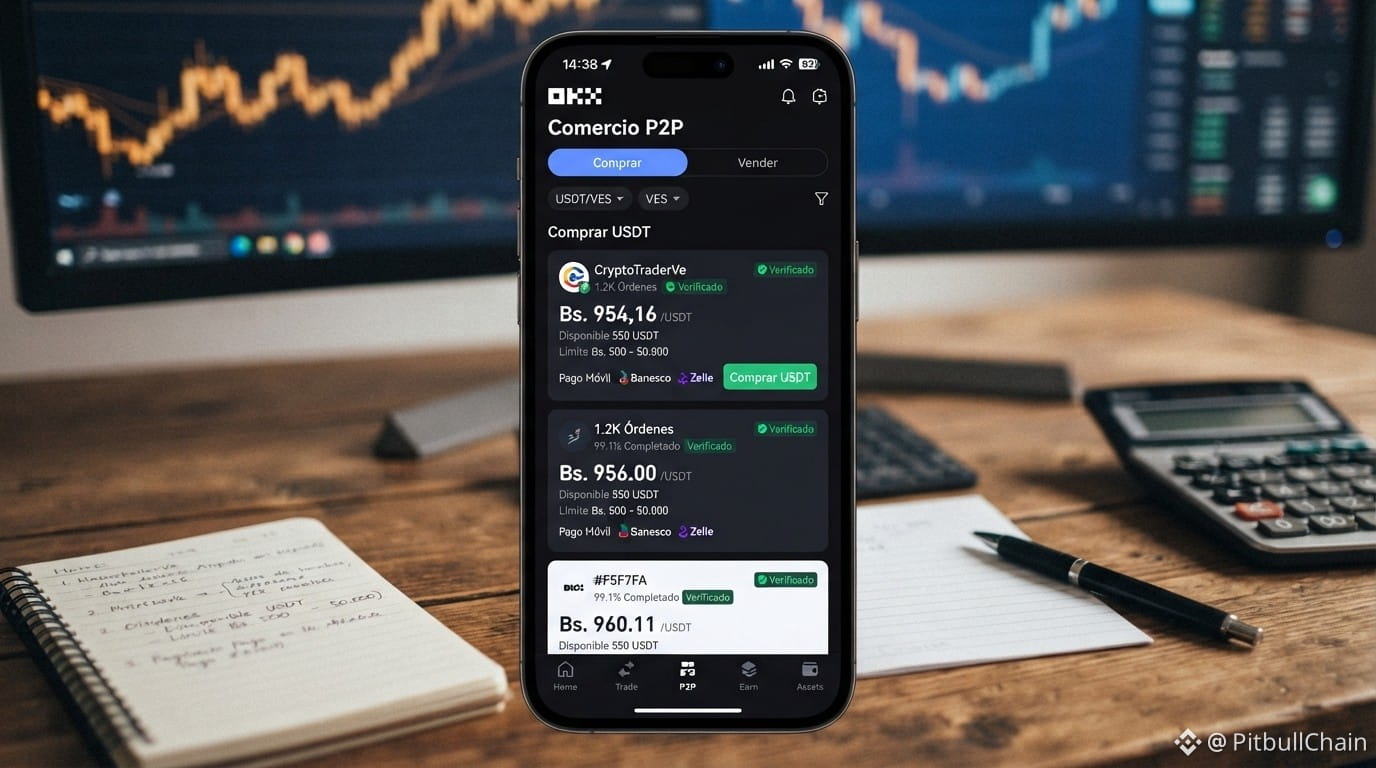
The P2P USDT vs bolívares order book, captured on September 20, 2026 at 07:59 UTC, gives a specific snapshot: Binance concentrates almost all the depth, and other platforms show higher-priced sell orders with much smaller volumes. This is not a popularity ranking; it’s what the posted levels say at that moment.
Binance vs other P2P platforms: liquidity, price and spread for 20-SEP
Live P2P Radar Capture: 20/9/2026, 4:00:14 a. m.
Reference USDT/VES Bs. 969.97
Buy USDT Bs. 969.97
USDT Sale Bs. 921.42
BCV Bs. 849.56
Premium vs BCV 14.17%
P2P Spread 5.27%
Observed offers 139
Verify current data in P2P Radar
The P2P USDT vs bolívares order book, captured on September 20, 2026 at 07:59 UTC, gives a specific snapshot: Binance concentrates almost all the depth, and other platforms show higher-priced sell orders with much smaller volumes. This is not a popularity ranking; it’s what the posted levels say at that moment.
Reference USDT/VES Bs. 969.97
Buy USDT Bs. 969.97
USDT Sale Bs. 921.42
BCV Bs. 849.56
Premium vs BCV 14.17%
P2P Spread 5.27%
Observed offers 139
Verify current data in P2P Radar
The P2P USDT vs bolívares order book, captured on September 20, 2026 at 07:59 UTC, gives a specific snapshot: Binance concentrates almost all the depth, and other platforms show higher-priced sell orders with much smaller volumes. This is not a popularity ranking; it’s what the posted levels say at that moment.
2
·
--
Article
P2P traffic light on yellow: spread of 4.31% and premium of 20.7% over the BCV define the day of the 27th of Live P2P Radar Capture: 27/8/2026, 1:00:17 p. m.
USDT/VES reference Bs. 955.47
Buy USDT Bs. 955.47
Sell USDT Bs. 915.98
BCV Bs. 791.32
Premium vs BCV 20.74%
P2P spread 4.31%
Offers observed 255
Verify current data on P2P Radar
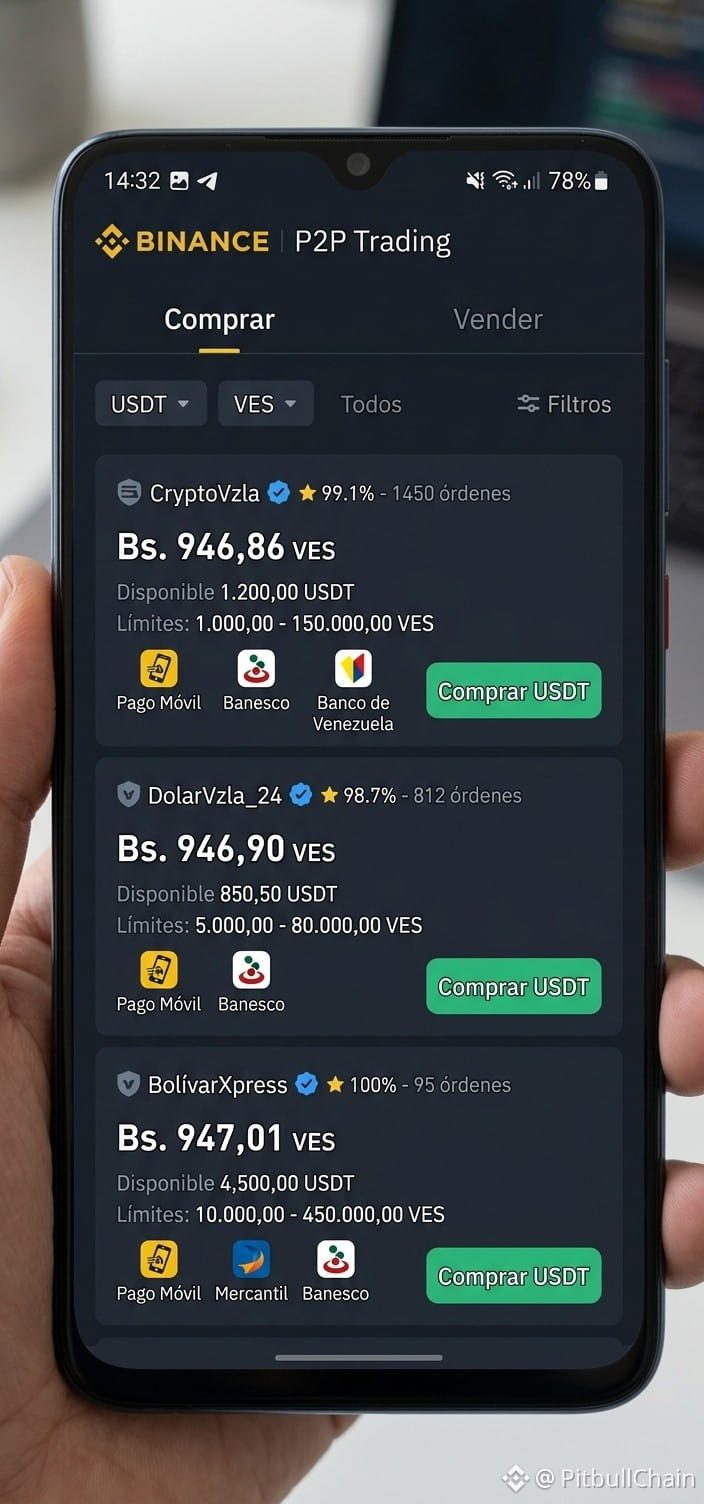
Binance’s P2P market closed the day on August 27, 2026 with the traffic light on yellow, according to live data from the P2P Radar. The average USDT purchase rate stood at 955.47 bolívares, while the sale was agreed at 915.98 bolívares. This leaves a spread of 39.49 bolívares, equivalent to 4.31%, and a premium of 20.74% versus the official BCV dollar, which closed at 791.32 bolívares.
P2P traffic light on yellow: spread of 4.31% and premium of 20.7% over the BCV define the day of the 27th of
Live P2P Radar Capture: 27/8/2026, 1:00:17 p. m.
USDT/VES reference Bs. 955.47
Buy USDT Bs. 955.47
Sell USDT Bs. 915.98
BCV Bs. 791.32
Premium vs BCV 20.74%
P2P spread 4.31%
Offers observed 255
Verify current data on P2P Radar
Binance’s P2P market closed the day on August 27, 2026 with the traffic light on yellow, according to live data from the P2P Radar. The average USDT purchase rate stood at 955.47 bolívares, while the sale was agreed at 915.98 bolívares. This leaves a spread of 39.49 bolívares, equivalent to 4.31%, and a premium of 20.74% versus the official BCV dollar, which closed at 791.32 bolívares.
USDT/VES reference Bs. 955.47
Buy USDT Bs. 955.47
Sell USDT Bs. 915.98
BCV Bs. 791.32
Premium vs BCV 20.74%
P2P spread 4.31%
Offers observed 255
Verify current data on P2P Radar
Binance’s P2P market closed the day on August 27, 2026 with the traffic light on yellow, according to live data from the P2P Radar. The average USDT purchase rate stood at 955.47 bolívares, while the sale was agreed at 915.98 bolívares. This leaves a spread of 39.49 bolívares, equivalent to 4.31%, and a premium of 20.74% versus the official BCV dollar, which closed at 791.32 bolívares.
7
·
--
Article
Binance P2P: prices, liquidity and payment methods in Venezuela Live P2P Radar Capture: 27/8/2026, 7:30:17 p. m.
USDT/VES reference Bs. 949.94
Buy USDT Bs. 949.94
USDT Sale Bs. 916.90
BCV Bs. 791.67
Premium vs BCV 19.99%
P2P Spread 3.60%
Observed offers 237
Verify current data on Radar P2P
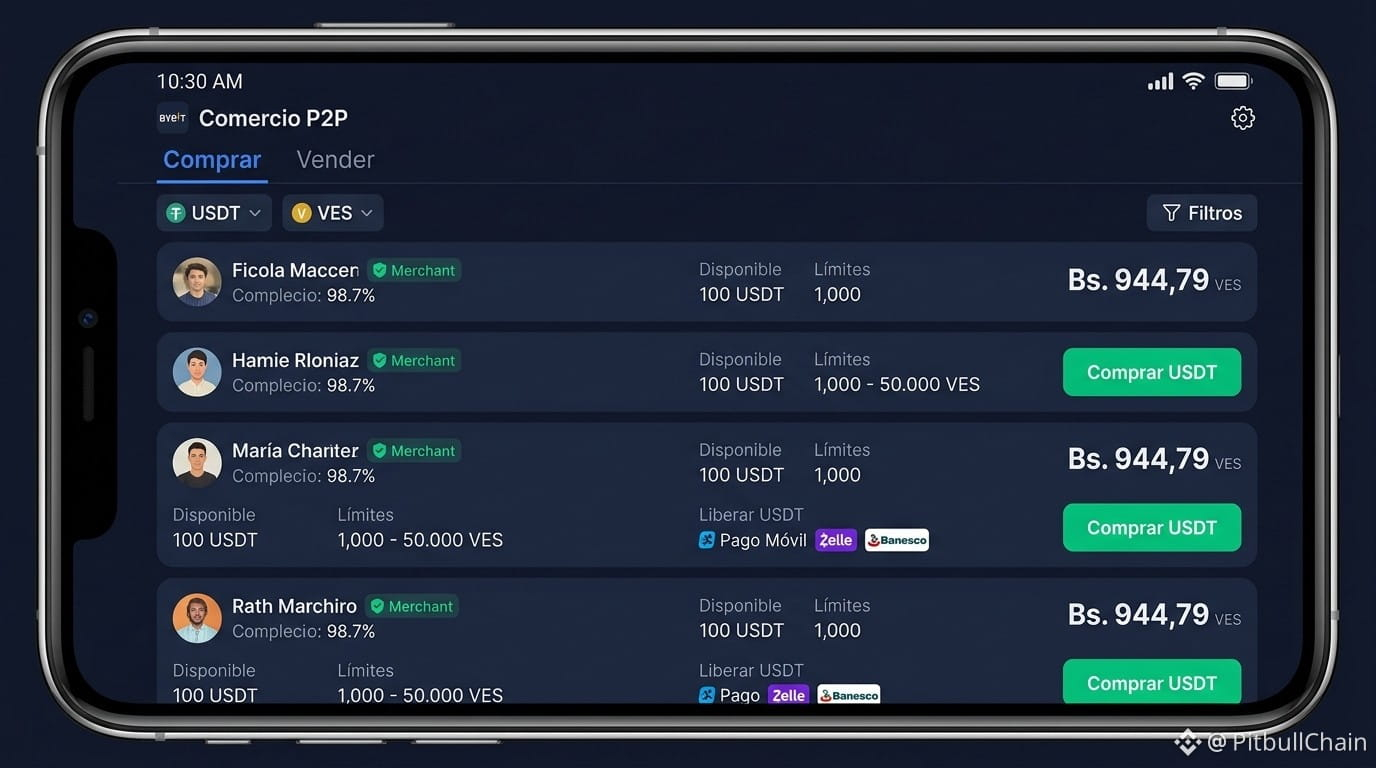
Binance's P2P market remains the main channel for moving USDT and bolívares in Venezuela. By the close of August 27, 2026, activity shows prices, liquidity, and payment methods that outline a moderate alert picture: high spread, but sufficient supply across multiple banks.
Binance P2P: prices, liquidity and payment methods in Venezuela
Live P2P Radar Capture: 27/8/2026, 7:30:17 p. m.
USDT/VES reference Bs. 949.94
Buy USDT Bs. 949.94
USDT Sale Bs. 916.90
BCV Bs. 791.67
Premium vs BCV 19.99%
P2P Spread 3.60%
Observed offers 237
Verify current data on Radar P2P
Binance's P2P market remains the main channel for moving USDT and bolívares in Venezuela. By the close of August 27, 2026, activity shows prices, liquidity, and payment methods that outline a moderate alert picture: high spread, but sufficient supply across multiple banks.
USDT/VES reference Bs. 949.94
Buy USDT Bs. 949.94
USDT Sale Bs. 916.90
BCV Bs. 791.67
Premium vs BCV 19.99%
P2P Spread 3.60%
Observed offers 237
Verify current data on Radar P2P
Binance's P2P market remains the main channel for moving USDT and bolívares in Venezuela. By the close of August 27, 2026, activity shows prices, liquidity, and payment methods that outline a moderate alert picture: high spread, but sufficient supply across multiple banks.
9
·
--
🧭 Binance P2P today: buy $USDT at Bs. 968.73 and sell at Bs. 929.95.
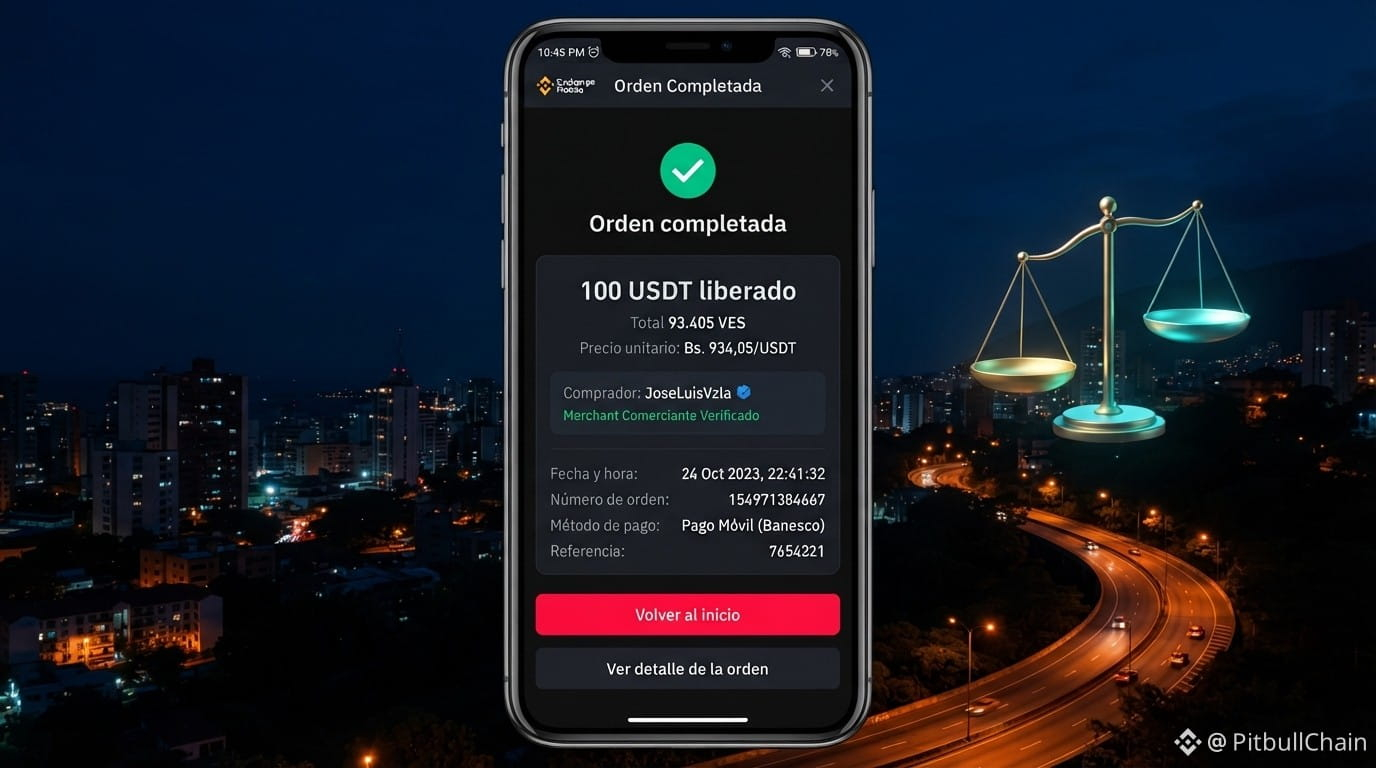
Between those two prices there’s Bs. 38.78 (4.17%). That’s the cost of entering and exiting the same day, and with 219 active offers, there’s plenty of movement in the order book.
The BCV sets Bs. 849.56: a 14.03% premium.
Real question: with this premium, do you buy today or stay put? Tell me below 👇
📊 Live rates and analysis at https://pitbullchain.com
$USDT #BinanceP2P #USDT #Venezuela #Cripto #BinanceSquare
🧭 Binance P2P today: buy $USDT at Bs. 968.73 and sell at Bs. 929.95.
Between those two prices there’s Bs. 38.78 (4.17%). That’s the cost of entering and exiting the same day, and with 219 active offers, there’s plenty of movement in the order book.
The BCV sets Bs. 849.56: a 14.03% premium.
Real question: with this premium, do you buy today or stay put? Tell me below 👇
📊 Live rates and analysis at https://pitbullchain.com
$USDT #BinanceP2P #USDT #Venezuela #Cripto #BinanceSquare
Between those two prices there’s Bs. 38.78 (4.17%). That’s the cost of entering and exiting the same day, and with 219 active offers, there’s plenty of movement in the order book.
The BCV sets Bs. 849.56: a 14.03% premium.
Real question: with this premium, do you buy today or stay put? Tell me below 👇
📊 Live rates and analysis at https://pitbullchain.com
$USDT #BinanceP2P #USDT #Venezuela #Cripto #BinanceSquare
11
·
--
Article
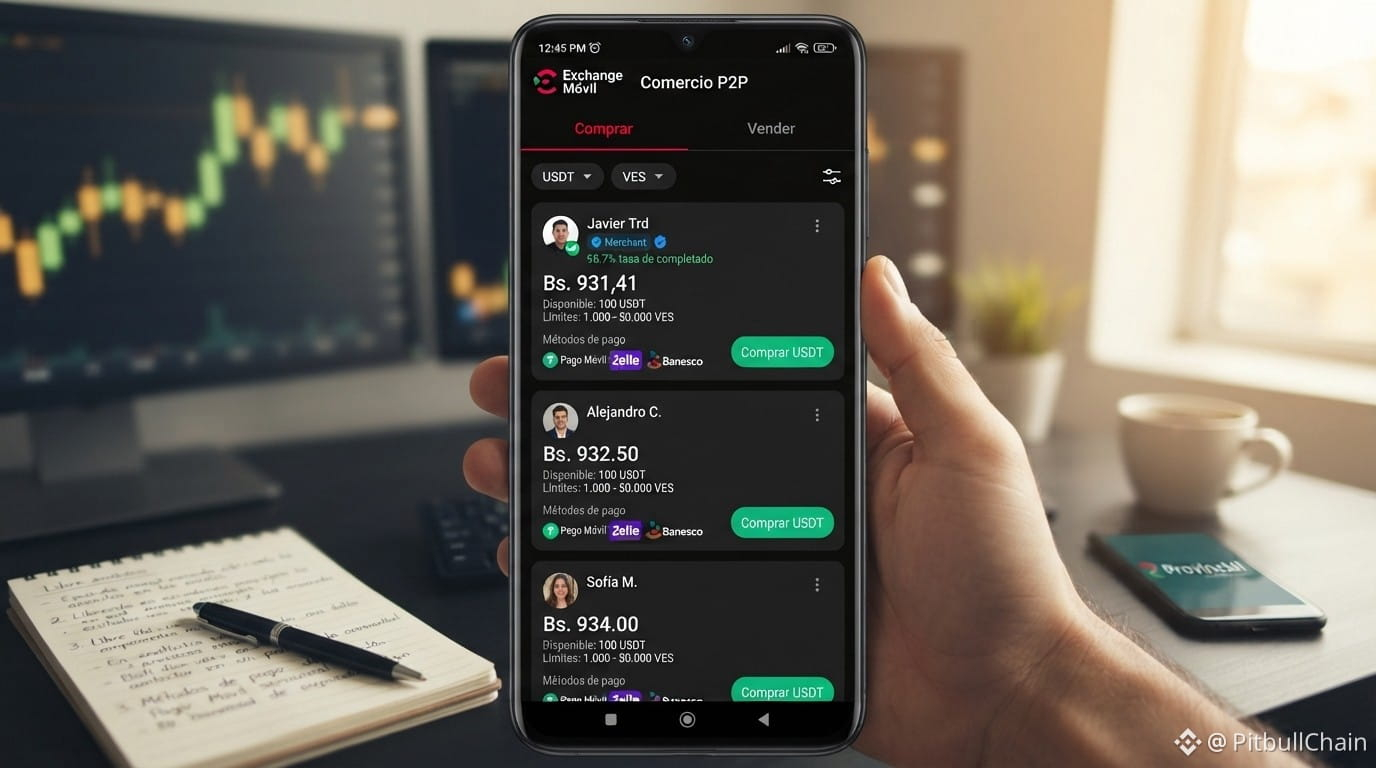
USDT P2P: 4.37% gap between platforms and where liquidity is Live P2P Radar Capture: 19/9/2026, 8:00:14 a. m.
USDT/VES reference Bs. 966.62
Buy USDT Bs. 966.62
USDT sale Bs. 930.42
BCV Bs. 849.56
Premium vs BCV 13.78%
P2P spread 3.89%
Observed offers 173
Verify current data in Radar P2P
The morning of September 19, 2026 delivered a specific snapshot of the Venezuelan P2P market: the same USDT/VES pair does not cost the same on every platform. According to the Radar P2P screenshot at 12:00 UTC, anyone looking to get USDT would pay Bs. 966.62, while anyone offering it receives Bs. 930.42. At the same time, the exchange differences module detected a 4.37% gap between the price at which USDT was available on Binance (Bs. 951.24) and on other platforms (Bs. 992.78).
USDT P2P: 4.37% gap between platforms and where liquidity is
Live P2P Radar Capture: 19/9/2026, 8:00:14 a. m.
USDT/VES reference Bs. 966.62
Buy USDT Bs. 966.62
USDT sale Bs. 930.42
BCV Bs. 849.56
Premium vs BCV 13.78%
P2P spread 3.89%
Observed offers 173
Verify current data in Radar P2P
The morning of September 19, 2026 delivered a specific snapshot of the Venezuelan P2P market: the same USDT/VES pair does not cost the same on every platform. According to the Radar P2P screenshot at 12:00 UTC, anyone looking to get USDT would pay Bs. 966.62, while anyone offering it receives Bs. 930.42. At the same time, the exchange differences module detected a 4.37% gap between the price at which USDT was available on Binance (Bs. 951.24) and on other platforms (Bs. 992.78).
USDT/VES reference Bs. 966.62
Buy USDT Bs. 966.62
USDT sale Bs. 930.42
BCV Bs. 849.56
Premium vs BCV 13.78%
P2P spread 3.89%
Observed offers 173
Verify current data in Radar P2P
The morning of September 19, 2026 delivered a specific snapshot of the Venezuelan P2P market: the same USDT/VES pair does not cost the same on every platform. According to the Radar P2P screenshot at 12:00 UTC, anyone looking to get USDT would pay Bs. 966.62, while anyone offering it receives Bs. 930.42. At the same time, the exchange differences module detected a 4.37% gap between the price at which USDT was available on Binance (Bs. 951.24) and on other platforms (Bs. 992.78).
4
·
--
Article
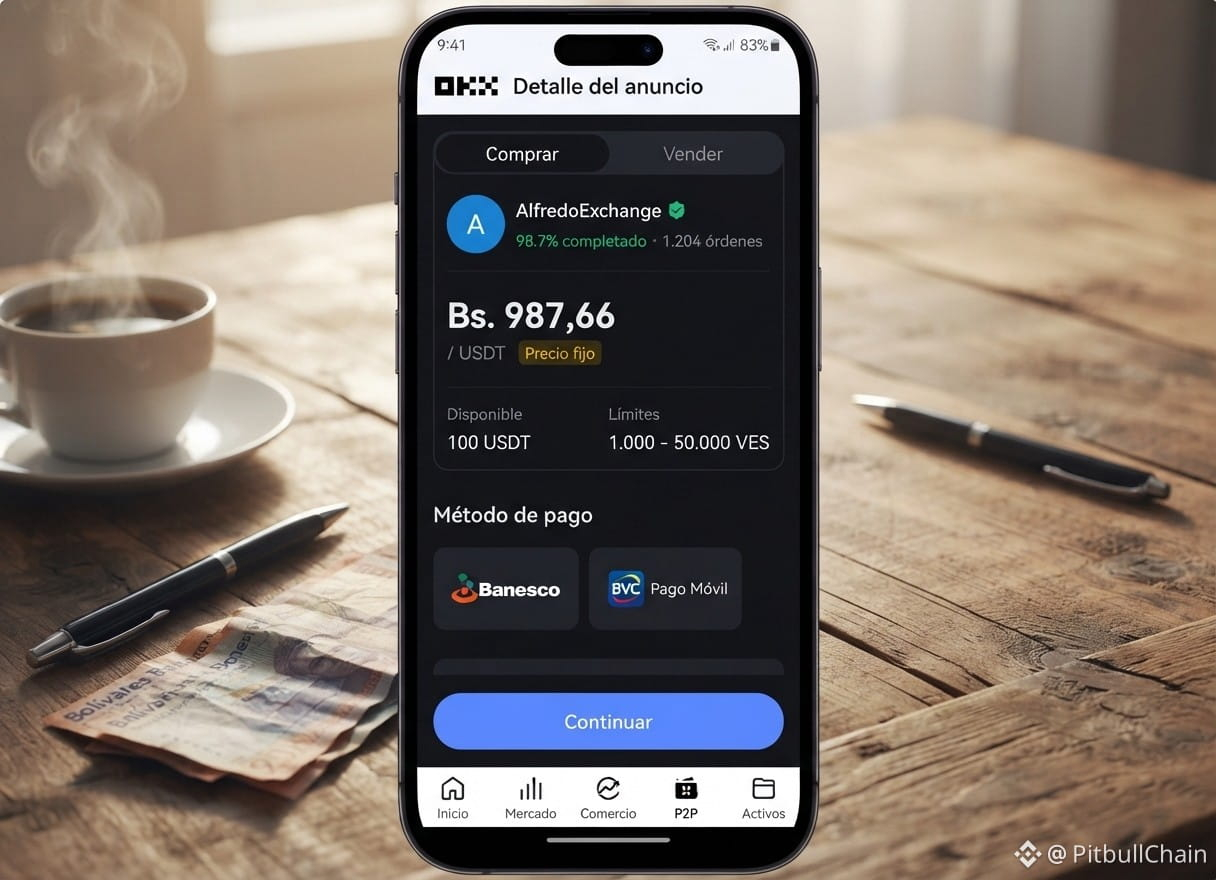
The P2P book talks to you: learn to read it todayIf you accept the first offer you see on the P2P without reading the book, you could end up paying Bs. 987,66 for a $USDT that is being sold for Bs. 917,81. That difference is Bs. 69,85: a spread of 7,61%. 🐶
Today, Saturday September 19, 2026, the book has 166 active offers and the BCV shows Bs. 849,56. The P2P premium versus the BCV is 16,26%. Quick translation: the market is still charging a strong premium for having liquid digital dollars today, not tomorrow.
📌 What really matters about numbers
The P2P book talks to you: learn to read it today
If you accept the first offer you see on the P2P without reading the book, you could end up paying Bs. 987,66 for a $USDT that is being sold for Bs. 917,81. That difference is Bs. 69,85: a spread of 7,61%. 🐶
Today, Saturday September 19, 2026, the book has 166 active offers and the BCV shows Bs. 849,56. The P2P premium versus the BCV is 16,26%. Quick translation: the market is still charging a strong premium for having liquid digital dollars today, not tomorrow.
📌 What really matters about numbers
Today, Saturday September 19, 2026, the book has 166 active offers and the BCV shows Bs. 849,56. The P2P premium versus the BCV is 16,26%. Quick translation: the market is still charging a strong premium for having liquid digital dollars today, not tomorrow.
📌 What really matters about numbers
9
·
--
Article
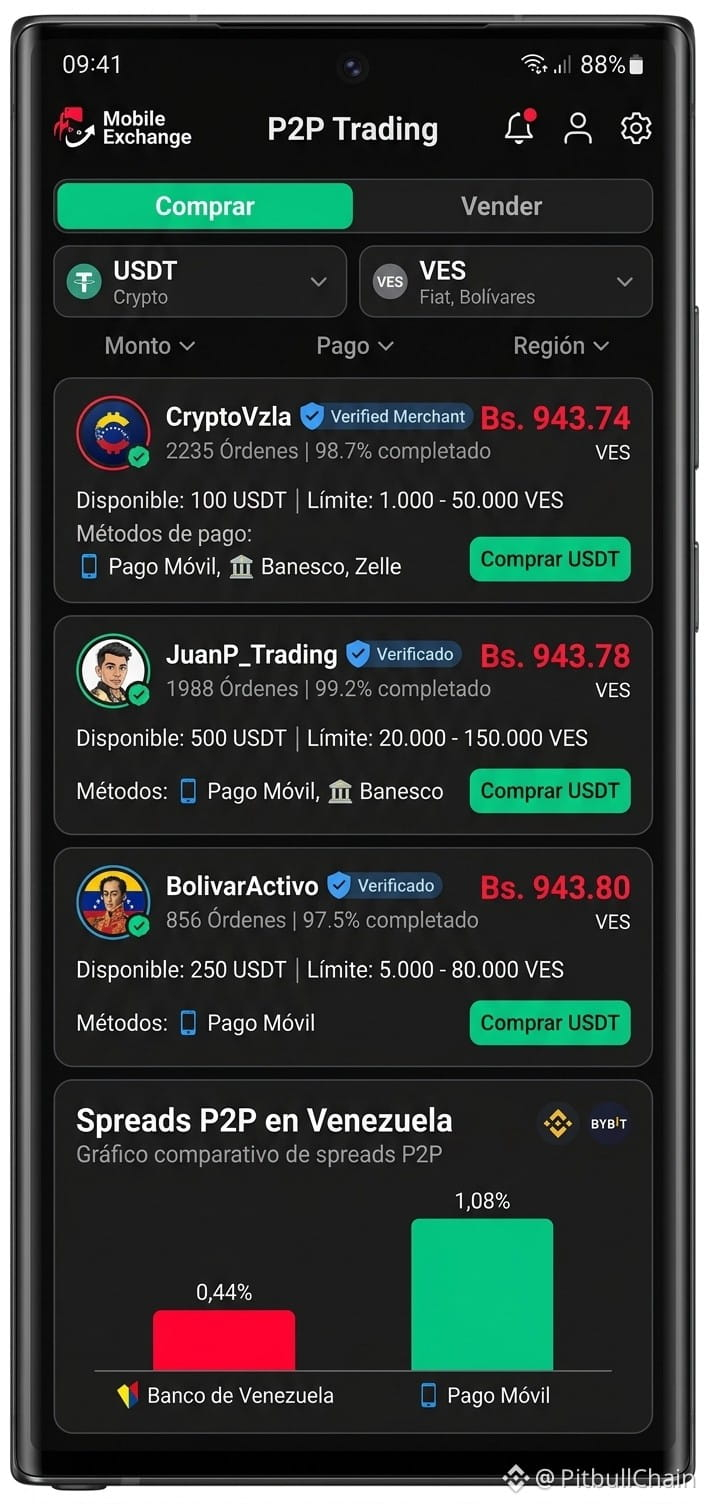
Binance vs other P2P platforms: spreads of 0.44% on BDV and 1.08% on Pago Móvil Live P2P Radar Capture: 27/8/2026, 10:30:16 p. m.
USDT/VES reference Bs. 953.64
Buy USDT Bs. 953.64
Sell USDT Bs. 913.07
BCV Bs. 791.67
Premium vs BCV 20.46%
P2P spread 4.44%
Observed offers 228
Verify current data in Radar P2P
The Venezuelan P2P market shows notable differences between the main exchanges. According to data captured by Radar P2P on August 28, 2026 at 02:30 UTC, Binance concentrates its liquidity in accounts at Banco de Venezuela (BDV) with a spread of 0.44%, while other platforms show a spread of 1.08% on Pago Móvil, more than double. The gap between the USDT price in the parallel market and the BCV official rate reaches 20.46%.
Binance vs other P2P platforms: spreads of 0.44% on BDV and 1.08% on Pago Móvil
Live P2P Radar Capture: 27/8/2026, 10:30:16 p. m.
USDT/VES reference Bs. 953.64
Buy USDT Bs. 953.64
Sell USDT Bs. 913.07
BCV Bs. 791.67
Premium vs BCV 20.46%
P2P spread 4.44%
Observed offers 228
Verify current data in Radar P2P
The Venezuelan P2P market shows notable differences between the main exchanges. According to data captured by Radar P2P on August 28, 2026 at 02:30 UTC, Binance concentrates its liquidity in accounts at Banco de Venezuela (BDV) with a spread of 0.44%, while other platforms show a spread of 1.08% on Pago Móvil, more than double. The gap between the USDT price in the parallel market and the BCV official rate reaches 20.46%.
USDT/VES reference Bs. 953.64
Buy USDT Bs. 953.64
Sell USDT Bs. 913.07
BCV Bs. 791.67
Premium vs BCV 20.46%
P2P spread 4.44%
Observed offers 228
Verify current data in Radar P2P
The Venezuelan P2P market shows notable differences between the main exchanges. According to data captured by Radar P2P on August 28, 2026 at 02:30 UTC, Binance concentrates its liquidity in accounts at Banco de Venezuela (BDV) with a spread of 0.44%, while other platforms show a spread of 1.08% on Pago Móvil, more than double. The gap between the USDT price in the parallel market and the BCV official rate reaches 20.46%.
1
·
--
Article
153 active offers: how to read P2P this Saturday153 active offers right now. That number says more about the Venezuelan market than any headline. 👀
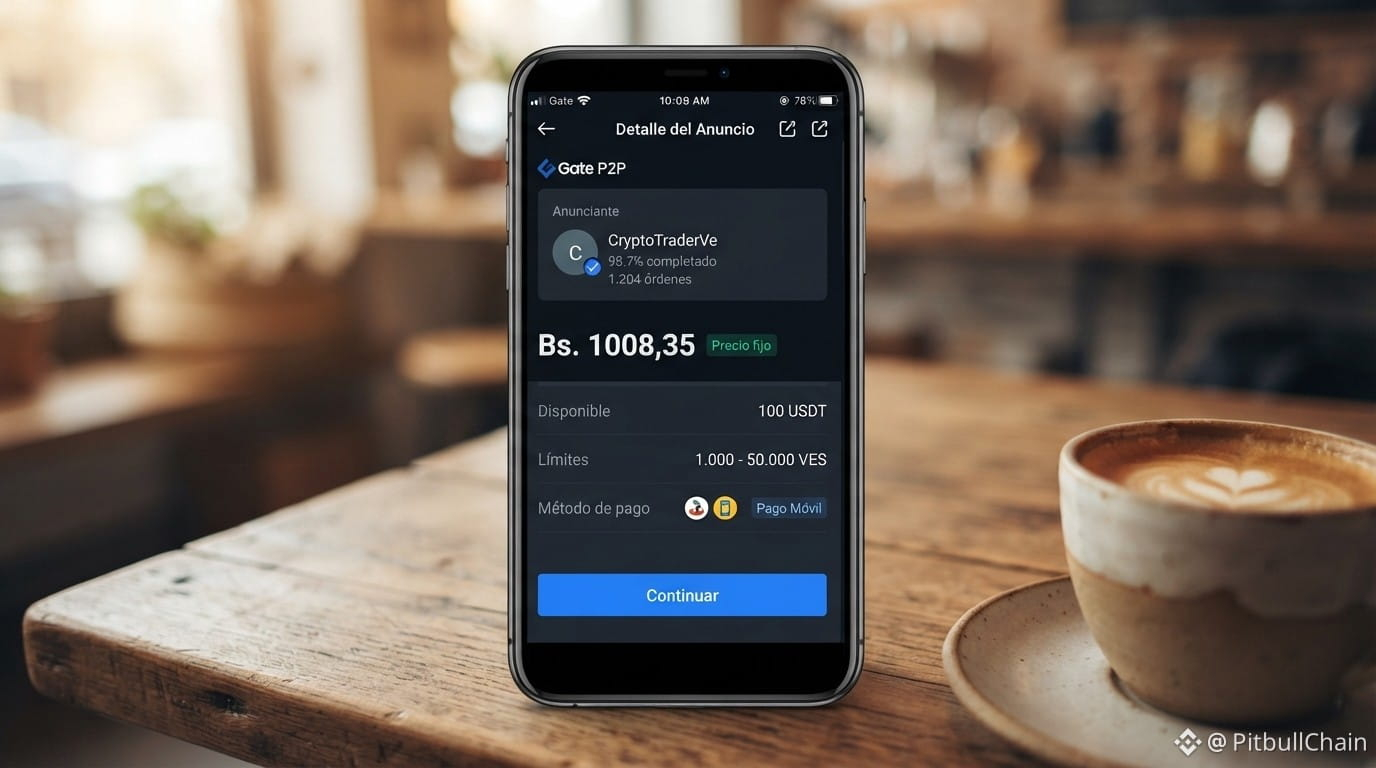
Today, Saturday, September 19, the market sets the $USDT at Bs. 1,008.35 to buy and Bs. 915.59 to sell: a spread of Bs. 92.76, that is 10.13%. But be careful not to read that as a single snapshot, because within Binance P2P the numbers move differently: the buy price is around Bs. 956.77 and the sell price is Bs. 948.74. That’s the first lesson of the day: the price you see advertised isn’t always the one you end up paying.
153 active offers: how to read P2P this Saturday
153 active offers right now. That number says more about the Venezuelan market than any headline. 👀
Today, Saturday, September 19, the market sets the $USDT at Bs. 1,008.35 to buy and Bs. 915.59 to sell: a spread of Bs. 92.76, that is 10.13%. But be careful not to read that as a single snapshot, because within Binance P2P the numbers move differently: the buy price is around Bs. 956.77 and the sell price is Bs. 948.74. That’s the first lesson of the day: the price you see advertised isn’t always the one you end up paying.
Today, Saturday, September 19, the market sets the $USDT at Bs. 1,008.35 to buy and Bs. 915.59 to sell: a spread of Bs. 92.76, that is 10.13%. But be careful not to read that as a single snapshot, because within Binance P2P the numbers move differently: the buy price is around Bs. 956.77 and the sell price is Bs. 948.74. That’s the first lesson of the day: the price you see advertised isn’t always the one you end up paying.
13
·
--
Binance P2P in Venezuela: 2025 guide to buy and sell USDT📊 Binance P2P in Venezuela: 2025 guide to buy and sell USDT
USDT P2P trading in Venezuela is still the most widely used way to enter and exit bolívares without relying on traditional intermediaries. This video works as a step-by-step tutorial for those who are just starting out or want to organize their operations in 2025. Here we share the objective summary and PitbullChain’s analysis of what really matters when trading.
📈 Video summary
The video is a complete tutorial on how to buy and sell USDT in Venezuela through Binance P2P. It explains the registration and identity verification process, publishing ads and placing orders, and how to select counterparties based on reputation and available payment methods. It also covers how the platform escrow works, release times, and basic precautions to avoid scams. It is aimed at new users who are looking for a practical guide from scratch within the Venezuelan market.
Binance P2P in Venezuela: 2025 guide to buy and sell USDT
📊 Binance P2P in Venezuela: 2025 guide to buy and sell USDT
USDT P2P trading in Venezuela is still the most widely used way to enter and exit bolívares without relying on traditional intermediaries. This video works as a step-by-step tutorial for those who are just starting out or want to organize their operations in 2025. Here we share the objective summary and PitbullChain’s analysis of what really matters when trading.
📈 Video summary
The video is a complete tutorial on how to buy and sell USDT in Venezuela through Binance P2P. It explains the registration and identity verification process, publishing ads and placing orders, and how to select counterparties based on reputation and available payment methods. It also covers how the platform escrow works, release times, and basic precautions to avoid scams. It is aimed at new users who are looking for a practical guide from scratch within the Venezuelan market.
USDT P2P trading in Venezuela is still the most widely used way to enter and exit bolívares without relying on traditional intermediaries. This video works as a step-by-step tutorial for those who are just starting out or want to organize their operations in 2025. Here we share the objective summary and PitbullChain’s analysis of what really matters when trading.
📈 Video summary
The video is a complete tutorial on how to buy and sell USDT in Venezuela through Binance P2P. It explains the registration and identity verification process, publishing ads and placing orders, and how to select counterparties based on reputation and available payment methods. It also covers how the platform escrow works, release times, and basic precautions to avoid scams. It is aimed at new users who are looking for a practical guide from scratch within the Venezuelan market.
3
528
·
--
Article
Binance P2P and public banking: does it reduce the exchange-rate spread in Venezuela? Live P2P Radar Capture: 28/8/2026, 2:30:11 a. m.
USDT/VES reference Bs. 957.91
Buy USDT Bs. 957.91
Sell USDT Bs. 898.11
BCV Bs. 791.67
Premium vs BCV 21%
P2P Spread 6.66%
Observed offers 196
Check current data in Radar P2P
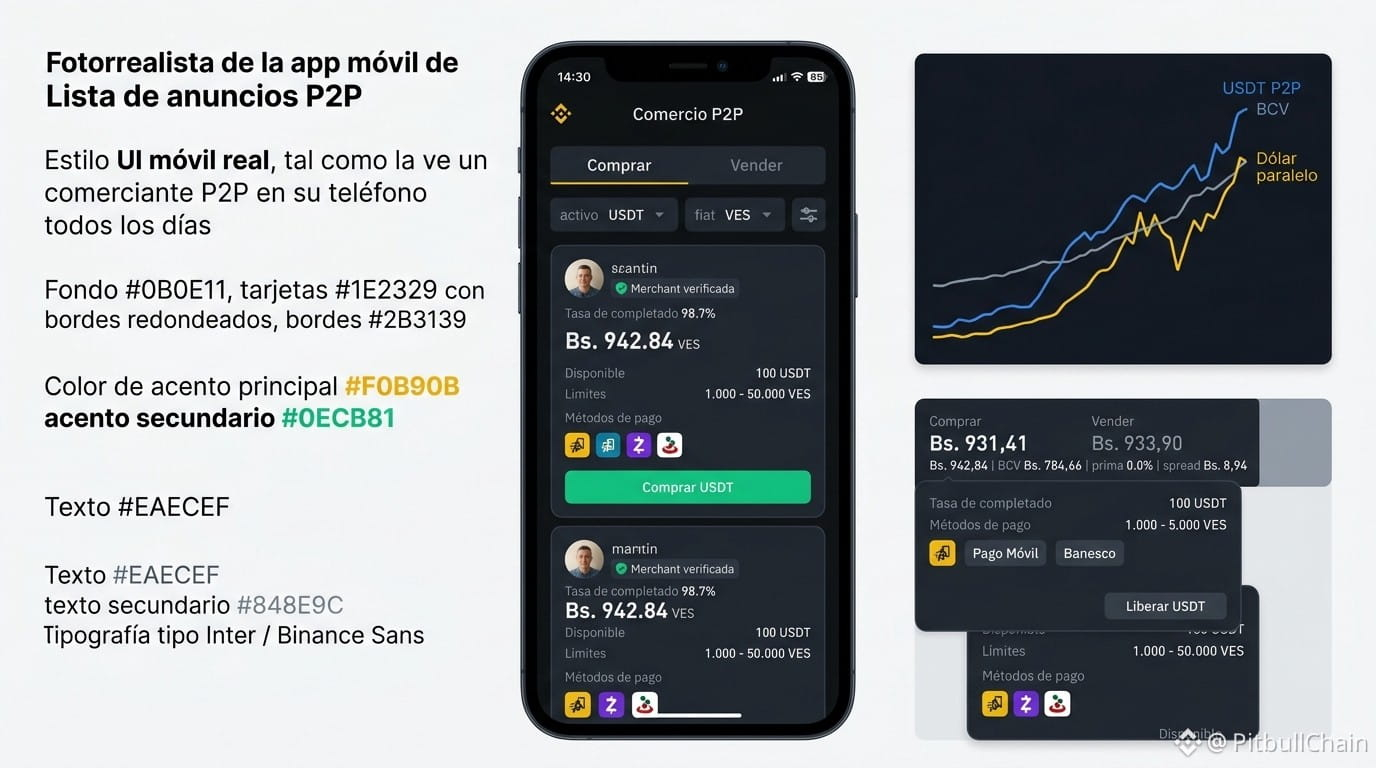
On August 28, 2026, the Venezuelan exchange market is once again at the center of the debate. The integration of the Banco de Venezuela (BDV) and the Banco del Tesoro into Binance P2P payment methods opened a new stage: formal public banking is beginning to enter the trade of cryptoassets. But what do the numbers say in real time? In this analysis, we cross-reference data from the Radar P2P order book, the BCV, and the parallel dollar to determine whether this officialization reduces the exchange-rate gap or simply coexists with controls.
Binance P2P and public banking: does it reduce the exchange-rate spread in Venezuela?
Live P2P Radar Capture: 28/8/2026, 2:30:11 a. m.
USDT/VES reference Bs. 957.91
Buy USDT Bs. 957.91
Sell USDT Bs. 898.11
BCV Bs. 791.67
Premium vs BCV 21%
P2P Spread 6.66%
Observed offers 196
Check current data in Radar P2P
On August 28, 2026, the Venezuelan exchange market is once again at the center of the debate. The integration of the Banco de Venezuela (BDV) and the Banco del Tesoro into Binance P2P payment methods opened a new stage: formal public banking is beginning to enter the trade of cryptoassets. But what do the numbers say in real time? In this analysis, we cross-reference data from the Radar P2P order book, the BCV, and the parallel dollar to determine whether this officialization reduces the exchange-rate gap or simply coexists with controls.
USDT/VES reference Bs. 957.91
Buy USDT Bs. 957.91
Sell USDT Bs. 898.11
BCV Bs. 791.67
Premium vs BCV 21%
P2P Spread 6.66%
Observed offers 196
Check current data in Radar P2P
On August 28, 2026, the Venezuelan exchange market is once again at the center of the debate. The integration of the Banco de Venezuela (BDV) and the Banco del Tesoro into Binance P2P payment methods opened a new stage: formal public banking is beginning to enter the trade of cryptoassets. But what do the numbers say in real time? In this analysis, we cross-reference data from the Radar P2P order book, the BCV, and the parallel dollar to determine whether this officialization reduces the exchange-rate gap or simply coexists with controls.
6
Log in to explore more content
Join global crypto users on Binance Square
⚡️ Get latest and useful information about crypto.
💬 Trusted by the world’s largest crypto exchange.
👍 Discover real insights from verified creators.
Email / Phone number
Trending Topics
1
#AIStocksWhatNext
444,277 views
3,321 Discussing
2
#BitcoinTops$87KAtEightMonthHigh
107 views
8 Discussing
3
#BitwiseNEARStakingETPAssetsTop$100M
4,996 views
38 Discussing
4
#BitcoinBreaksAboveMayHighNears$86K
20,544 views
221 Discussing
5
#DogecoinRises15%
63,813 views
1,138 Discussing
6
#$14BBitcoinOptionsExpireFriday
5,695 views
102 Discussing
7
#BNBMarketCapPassesBNYMellon
39,653 views
835 Discussing
8
#CryptoMarketCapReclaims$3Trillion
8,020 views
87 Discussing
9
#MuseOvertakesChatGPTAsTopFreeIOSApp
22,801 views
611 Discussing
10
#TokenizedStockPlatformsCouldLaunchNextQuarter
35,063 views
664 Discussing