Disclaimer: In compliance with MiCA requirements, unauthorized stablecoins are subject to certain restrictions for EEA users. For more information, please click here.
You can now use PHP (Philippine Peso) or IDR (Indonesian Rupiah) to buy crypto on the Binance app or website.
1. Log in to your Binance app and tap [Add Funds] on the home screen. Choose the fiat currency you want to pay with on the top right column and tap [Buy with].

2. Here you can choose to buy crypto with different fiat currencies. Enter the fiat amount you want to spend, and the system will automatically display the amount of crypto you can get.
Here we use PHP to buy USDT as an example.

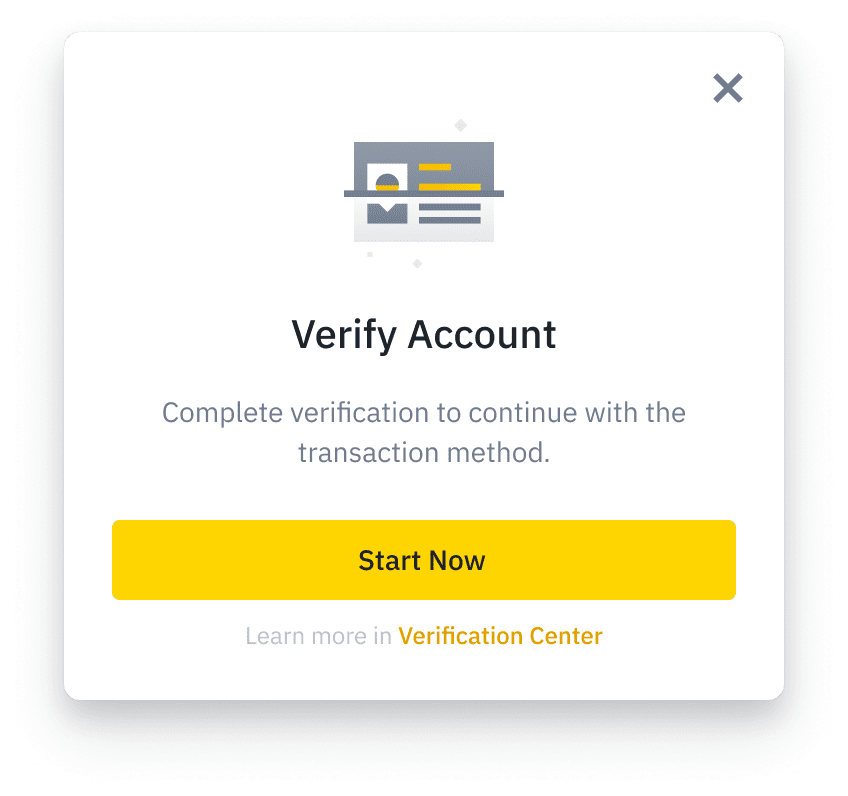
3. If you haven’t completed identity verification for your Binance account, you’ll be prompted to do so at this step.
4. Choose to pay with [Online Banking] and tap [Buy USDT].

5. Check the payment details and transaction fees carefully before tapping [Confirm]. Please note that at any given time, the price and corresponding amount of crypto may be recalculated automatically.

6. After you confirm the transaction, you will be redirected to a third party platform.
Please note that your personal data will be shared with the payment provider for kyc and onboarding purposes and the activation of fiat transactions.

Select [Don’t remind me again] and tap [Continue] to proceed with the transaction.
7. Please check the order details and verify your phone number, then tap [Confirm Payment].
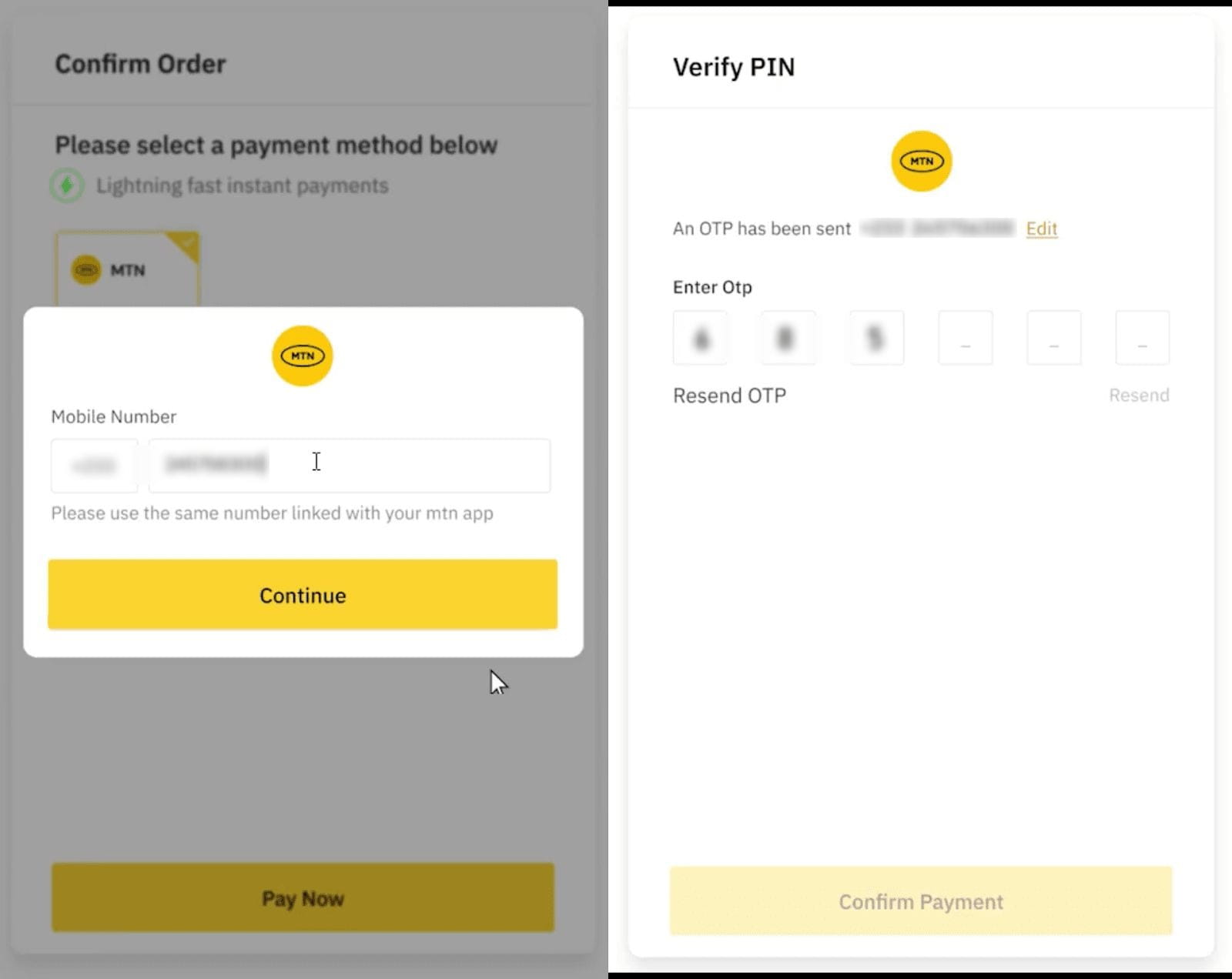
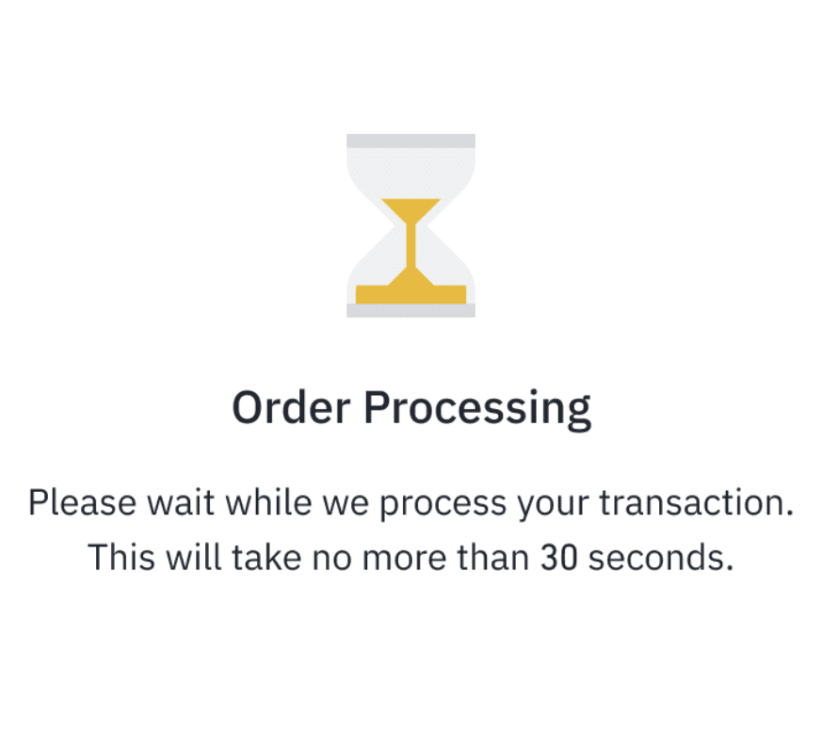
8. You will be redirected to Binance after confirming the payment. Please wait patiently for the order to process. This will take no more than 30 seconds.
9. Your transaction is successfully completed. You may check the order details by tapping [View Spot Wallet].

To learn how to sell crypto to PHP or IDR, please visit How to Sell Crypto to PHP and IDR on Binance?
1. Log in to your Binance account and go to [Buy Crypto].
Choose to spend PHP or IDR, and enter the crypto you want to receive. Here we use PHP to buy BTC as an example.
Enter the amount you would like to spend or receive and click [Buy].

2. If you haven’t completed identity verification for your Binance account, you’ll be prompted to do so at this step.
3. Select your preferred payment method and click [Confirm]. Please note that at any given time, the price and corresponding amount of crypto may be recalculated automatically.

4. After checking the details carefully, agree with the terms and click [Confirm].

5. You’ll then be directed to pay using your selected payment method. Follow the instructions to complete the transaction. Please note that the account holder's name must match the one on your Binance account.

6. After completing the transaction, you’ll be redirected back to Binance. Please wait for the transaction to complete.

7. You can check the order details by clicking [View Spot Wallet] or [History] on the result page.

To learn how to sell crypto to PHP or IDR, please visit How to Sell Crypto to PHP and IDR on Binance?
