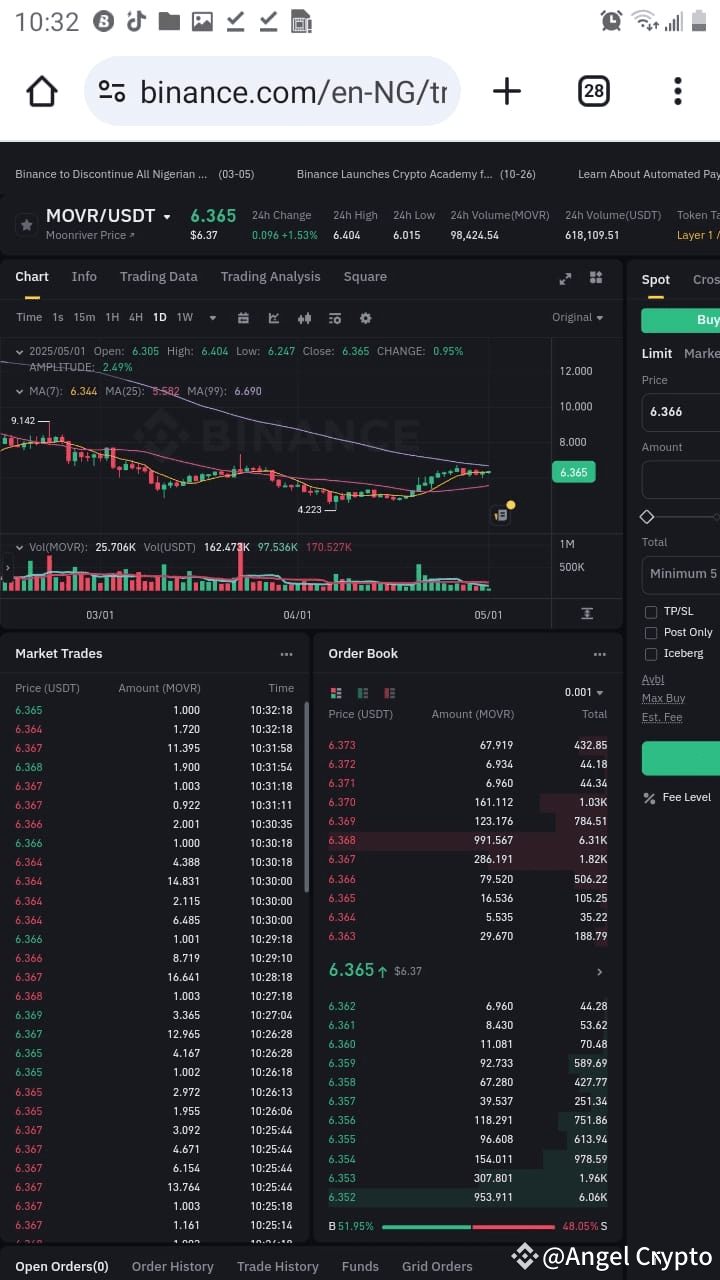
Steps To Create A Crypto Trading Bot For Trading View
If you are the type to avoiding trading on your own, this is for you.
To create a crypto trading bot for TradingView, start by defining your trading strategy and selecting a programming language, typically Pine Script. Then, connect your bot to TradingView alerts and an exchange API to automate trading based on your strategy.
Step 1: Define Your Trading Strategy
- Choose a Strategy Type:
- Trend following
- Mean reversion
- Arbitrage
- Breakout trading
- Identify Indicators:
- Use technical indicators like moving averages, RSI, or MACD to inform your trading decisions.
Step 2: Set Up TradingView
- Create an Account:
- Sign up for a TradingView account if you don’t have one.
- Access Pine Script:
- Familiarize yourself with Pine Script, TradingView's scripting language for creating custom indicators and strategies.
Step 3: Write the Bot Code
Write the bot code using your preferred indicators.
Step 4: Set Up Alerts
- Create Alerts in TradingView:
- Use the alerts feature to notify your bot when specific conditions are met, such as when your strategy generates a buy or sell signal.
Step 5: Connect to an Exchange API
- Choose an Exchange:
- Select a cryptocurrency exchange that supports API trading, such as Binance or Coinbase.
- API Integration:
- Use the exchange's API documentation to connect your bot to the exchange for executing trades based on TradingView alerts.
Step 6: Backtest Your Strategy
- Run Backtests:
- Use TradingView’s built-in backtesting features to evaluate your bot’s performance on historical data.
- Optimize Parameters:
- Adjust your strategy parameters based on
backtesting
#BinanceAlphaAlert #bot_trading #TRADINGVIEW🔥🔥🔥
If you are the type to avoiding trading on your own, this is for you.
To create a crypto trading bot for TradingView, start by defining your trading strategy and selecting a programming language, typically Pine Script. Then, connect your bot to TradingView alerts and an exchange API to automate trading based on your strategy.
Step 1: Define Your Trading Strategy
- Choose a Strategy Type:
- Trend following
- Mean reversion
- Arbitrage
- Breakout trading
- Identify Indicators:
- Use technical indicators like moving averages, RSI, or MACD to inform your trading decisions.
Step 2: Set Up TradingView
- Create an Account:
- Sign up for a TradingView account if you don’t have one.
- Access Pine Script:
- Familiarize yourself with Pine Script, TradingView's scripting language for creating custom indicators and strategies.
Step 3: Write the Bot Code
Write the bot code using your preferred indicators.
Step 4: Set Up Alerts
- Create Alerts in TradingView:
- Use the alerts feature to notify your bot when specific conditions are met, such as when your strategy generates a buy or sell signal.
Step 5: Connect to an Exchange API
- Choose an Exchange:
- Select a cryptocurrency exchange that supports API trading, such as Binance or Coinbase.
- API Integration:
- Use the exchange's API documentation to connect your bot to the exchange for executing trades based on TradingView alerts.
Step 6: Backtest Your Strategy
- Run Backtests:
- Use TradingView’s built-in backtesting features to evaluate your bot’s performance on historical data.
- Optimize Parameters:
- Adjust your strategy parameters based on
backtesting
#BinanceAlphaAlert #bot_trading #TRADINGVIEW🔥🔥🔥