
In the world of crypto, you are your own bank. This means security is your number one responsibility. Protecting your Binance account is non-negotiable. Follow this 10-point security checklist to lock down your assets and trade with peace of mind.
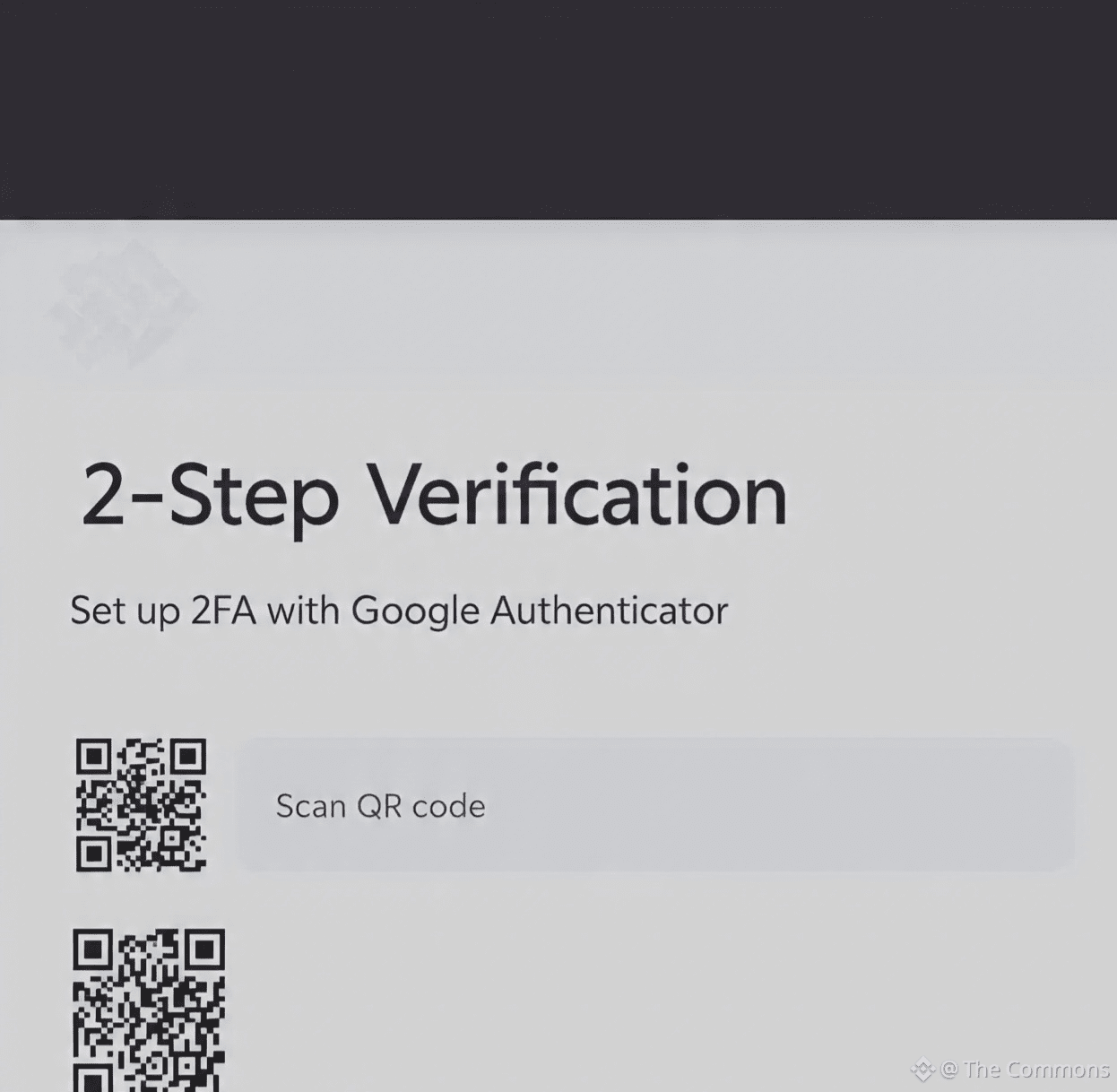
✅ 1. Fortify with 2FA (Two-Factor Authentication)
This is your account's first and strongest shield. Never use just SMS authentication.
· Action: Enable Google Authenticator or a hardware security key (like Yubikey) in your Binance Security Settings.
✅ 2. Create an Unbreakable, Unique Password
· Action: Use a long, random mix of letters, numbers, and symbols. Never reuse this password on any other site. Consider a password manager.
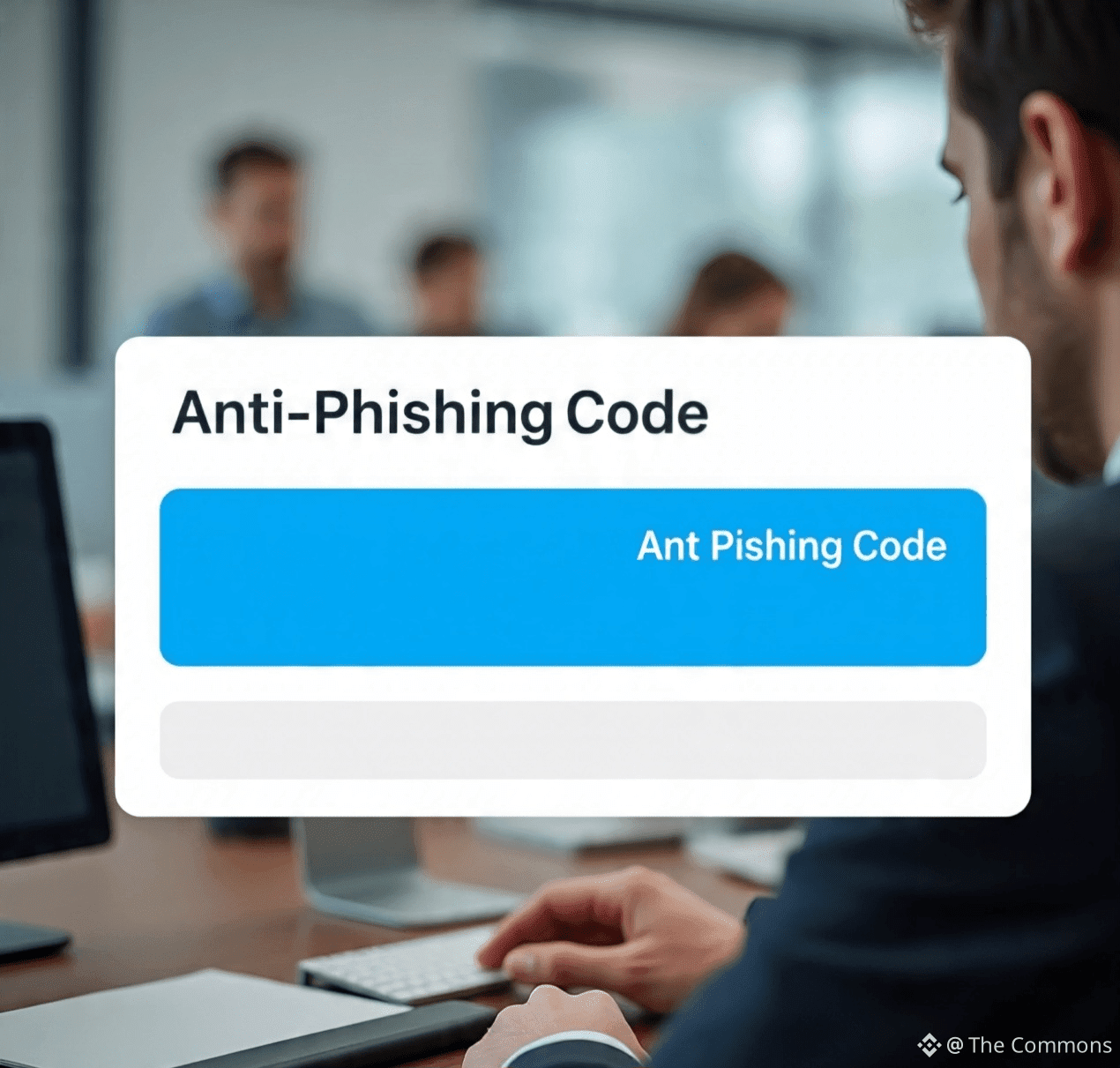
✅ 3. Activate Your Anti-Phishing Code
This helps you identify real Binance emails from fake ones.
· Action: Set it up in your account settings. Genuine Binance emails will always contain this unique code.
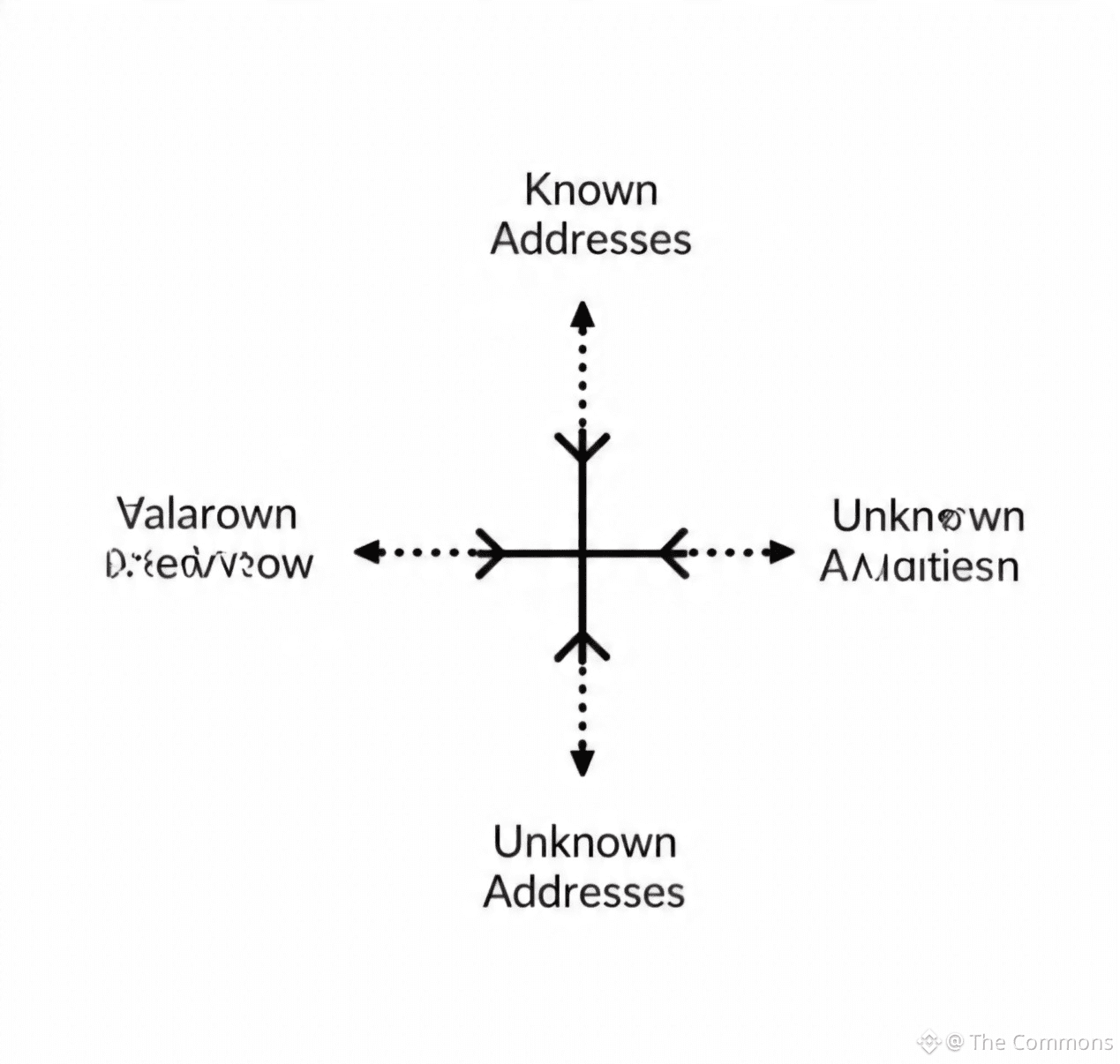
✅ 4. Whitelist Your Withdrawal Addresses
This is a critical defense. Once enabled, crypto can only be sent to pre-approved addresses.
· Action: Enable Address Whitelisting in your withdrawal settings. Allow 24-48 hours for any changes.
✅ 5. Review Device & Session Management Regularly
· Action: Periodically check your "Device Management" and "Login History." Log out of unused sessions and remove unrecognized devices immediately.
✅ 6. Be a Phishing Hunter
Scammers are clever. Always double-check URLs, email senders, and social media links.
· Action: Never click links from unsolicited messages. Always type binance.com directly into your browser.
✅ 7. Secure Your Email Account
Your email is the key to reset requests. Protect it with a strong, unique password and 2FA as well.
· Action: Apply the same security rigor to your primary email account.
✅ 8. Keep Your Recovery Seed Phrase Offline
Your Binance Wallet recovery phrase is the ultimate key.
· Action: Never store it digitally (no screenshots, cloud notes). Write it on paper or use a metal backup, and keep it in a safe, physical location.

✅ 9. Withdraw to Self-Custody for Large Holdings
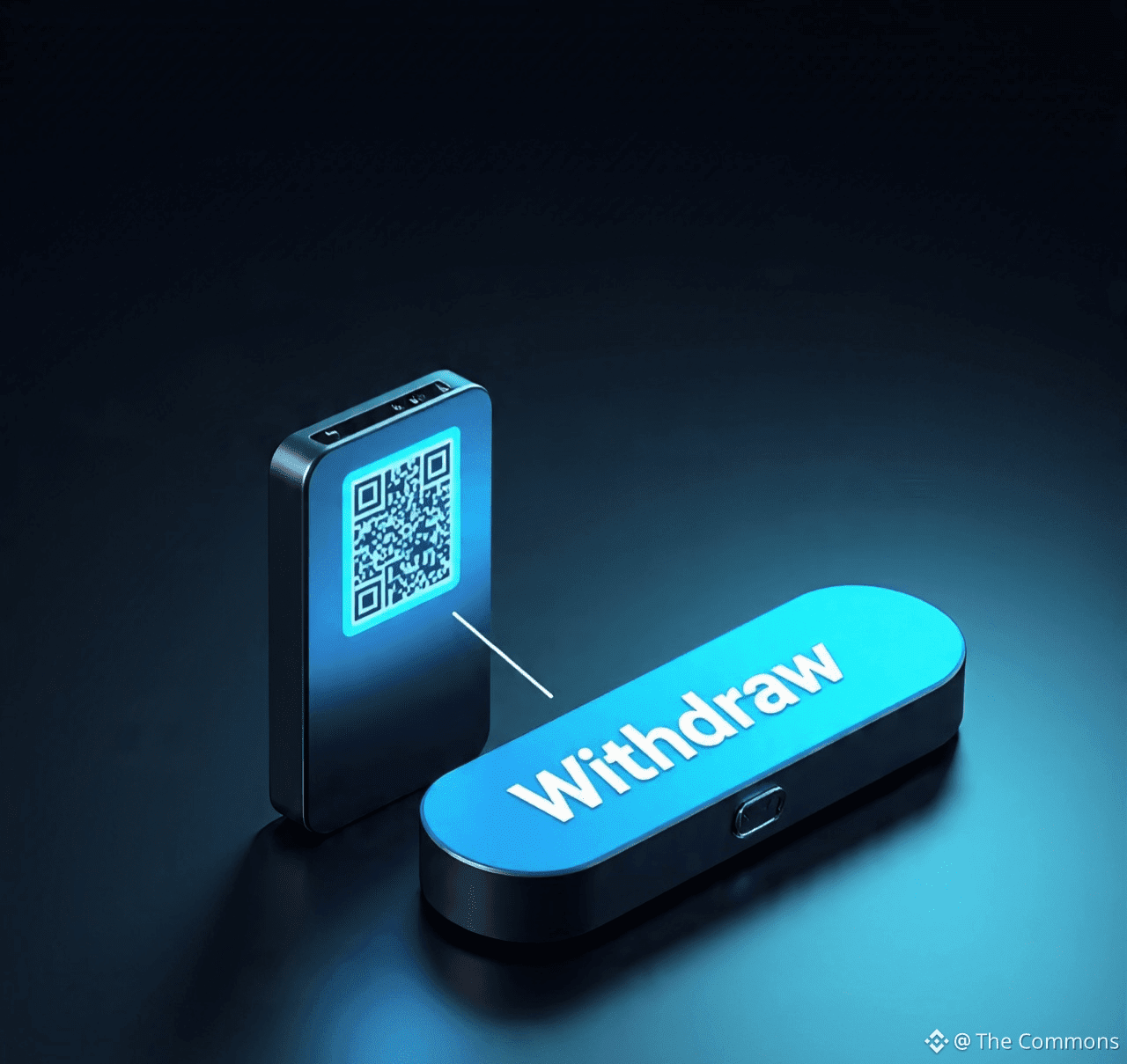
Not your keys, not your crypto. For significant, long-term holdings, consider a personal hardware wallet.
· Action: Use Binance's secure withdrawal function to send assets to your own hardware wallet (e.g., Ledger, Trezor).
✅ 10. Stay Informed
Binance constantly updates its security features.
· Action: Follow official Binance Square channels, blogs, and support pages for the latest security announcements and tips.
Security is a habit, not a one-time setup. Bookmark this list and schedule a quarterly review of your account settings. A few minutes today can prevent catastrophic loss tomorrow.
🔒 Stay Secure. Stay in Control.
